Getting Started with Personify
Welcome to Personify!
This documentation will help you navigate and understand the various elements within Personify. Whether you’re managing campaigns, creating templates, or analyzing performance, these guides will help you use each feature effectively.
If you have any questions, please get in touch with your account manager.
Getting Started
Section titled “Getting Started”When you first access Personify, you’ll find the interface organized to help you efficiently manage your marketing activities. Each section provides specific tools and features designed for different aspects of campaign management.
Login Process
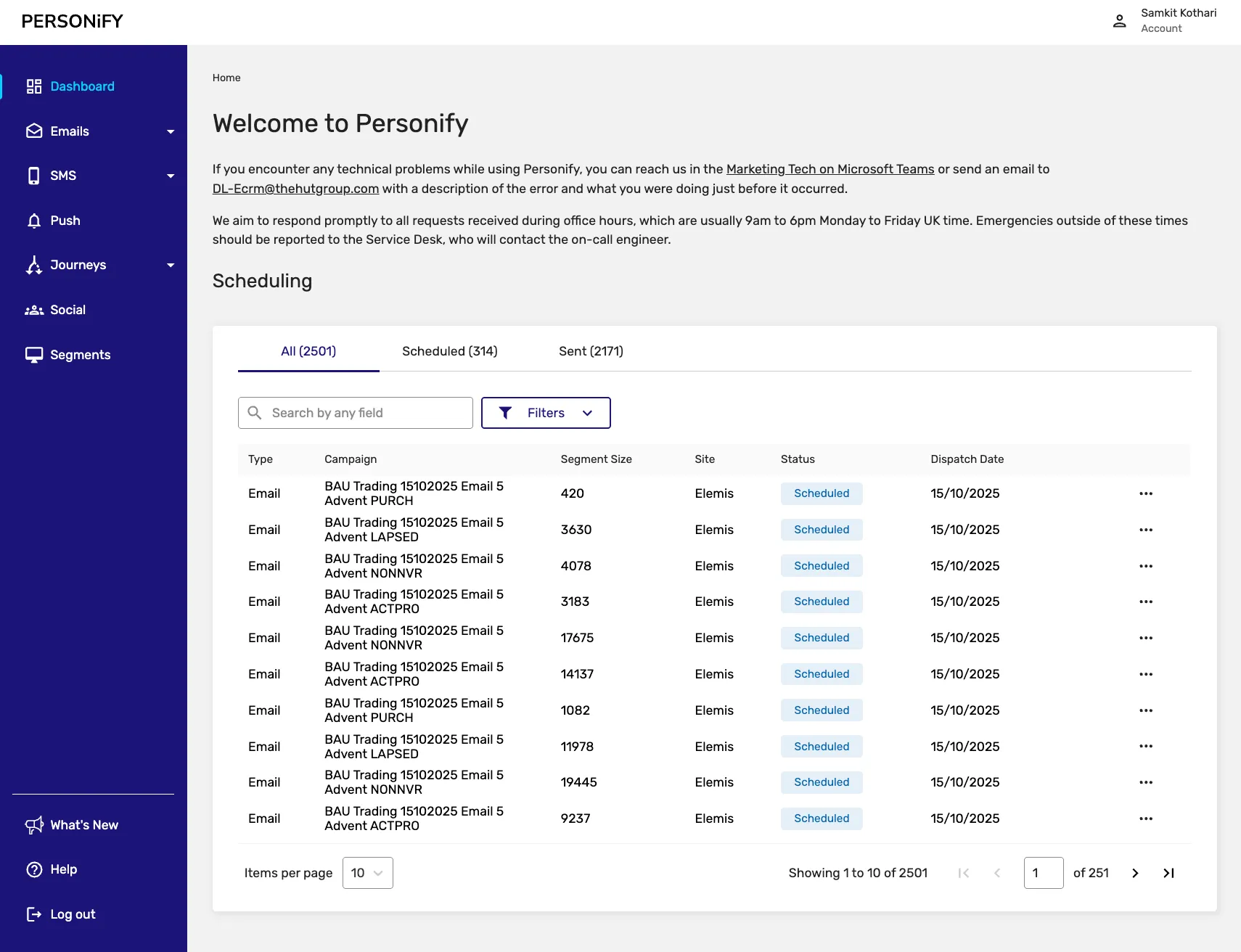
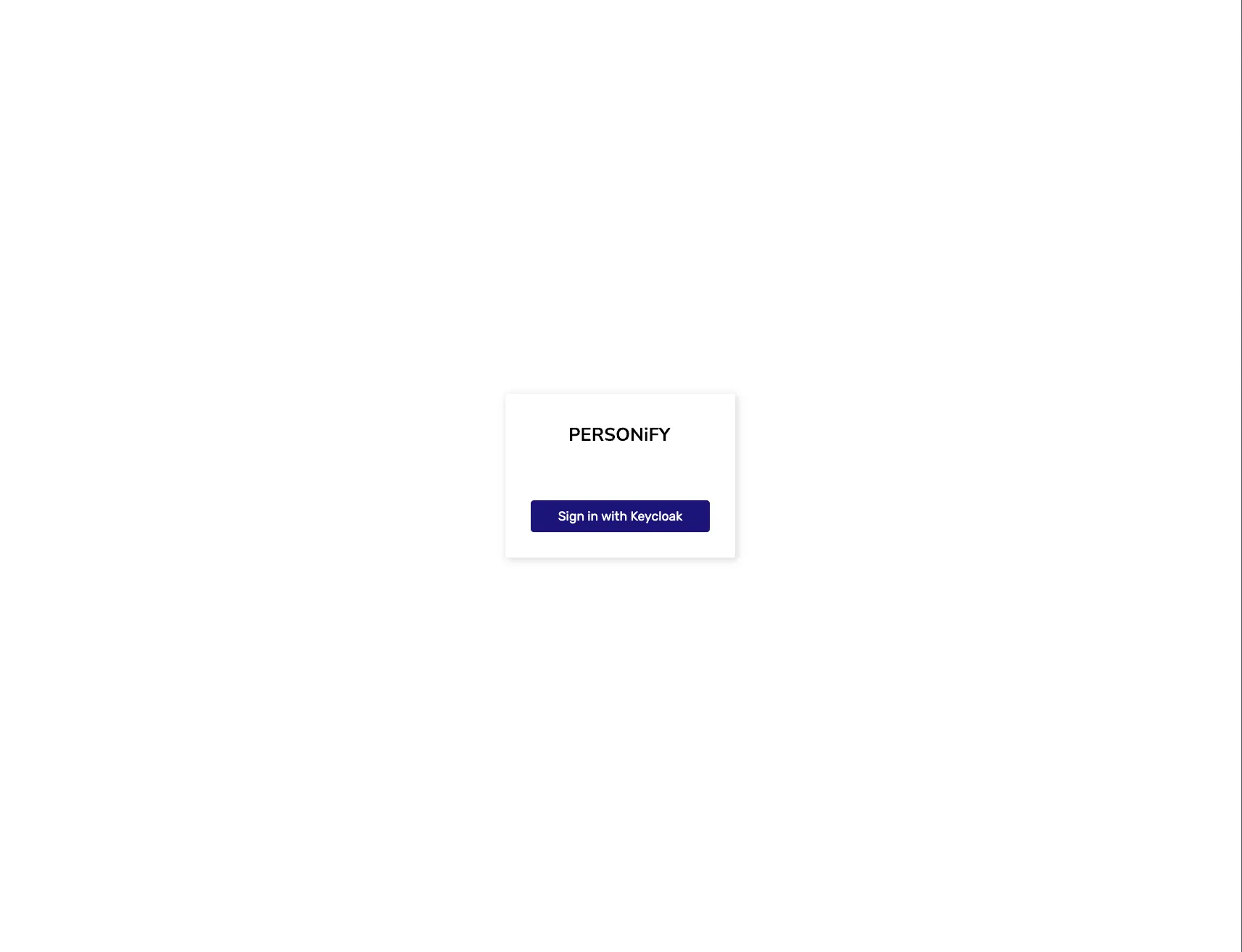
Section titled “Login Process”When you first login to Personify, you’ll be greeted by the login screen, followed by access to the main dashboard interface.
Navigation Overview
Section titled “Navigation Overview”The documentation is organized into several key sections, each covering different aspects of Personify’s functionality:
Dashboard
Section titled “Dashboard”Your central hub for monitoring campaign activities and getting quick insights. The dashboard provides an overview of scheduling information related to campaigns and notifications, with organized views of your campaigns grouped into All, Scheduled, and Sent tabs.
Marketing
Section titled “Marketing”- Campaigns: Manage and track your email campaigns with comprehensive tools for creation, scheduling, and performance monitoring
- Templates: Create and organize email templates for consistent messaging and branding
- Customer Journeys: Set up marketing and transactional customer journeys to automate your processes
Communications
Section titled “Communications”- SMS Mailing: Create and manage SMS campaigns with various status tracking and scheduling options
- Push Notifications: Handle both Standard and Segmented push notification campaigns
Analytics
Section titled “Analytics”- Activity History: Track and monitor the history for a specific person (email/SMS) - primarily used for troubleshooting rather than wide analytics
Social
Section titled “Social”- Social: A flexible platform for managing various types of data and content
Audience
Section titled “Audience”- Segments: Create and manage different types of audience segments including Expression Builder, List/CSV, Sign up, Customer Journeys Membership, and Combined segments
Quick Start Steps
Section titled “Quick Start Steps”- Explore the Dashboard: Start by reviewing your current campaign status and performance overview
- Review Your Segments: Check the Audience section to understand your current audience segments
- Check Templates: Visit the Templates section to see available email templates
- Browse Campaigns: Look at existing campaigns to understand the current state of your marketing activities
- Monitor Performance: Use Activity History to review past campaign performance
Key Features by Section
Section titled “Key Features by Section”Dashboard Features
Section titled “Dashboard Features”- Campaign overview with All, Scheduled, and Sent tabs
- Quick actions like View, Edit, Load Now, and Status Change
- Campaign information including Type, Name, Segment Size, Site, Status, and Dispatch Date
Campaign Management
Section titled “Campaign Management”- Create and edit email campaigns
- Schedule and dispatch campaigns
- Track campaign status (Scheduled, Sent, Cancelled, etc.)
- Duplicate existing campaigns for efficiency
- Bulk batch details for comprehensive campaign management
Template Management
Section titled “Template Management”- Create new templates
- Organize templates in All and Archived tabs
- Edit, duplicate, and delete templates as needed
- Maintain consistent branding across campaigns
Customer Journey Automation
Section titled “Customer Journey Automation”- Create both marketing and transactional customer journeys
- Monitor customer journey execution and step completion
- Edit and manage existing customer journeys
- Track customer journey performance metrics
SMS Campaign Management
Section titled “SMS Campaign Management”- Create and manage SMS campaigns
- Track various campaign statuses (All, Scheduled, Loaded, Sent, Cancelled, Not Sent, Archived)
- Use actions like Load Now, Dispatch Now, and Bulk Batch Details
- Search and filter SMS campaigns
Push Notification Management
Section titled “Push Notification Management”- Handle Standard and Segmented push notifications
- Manage campaigns across different statuses
- Use specialized actions for segmented campaigns
- Archive and restore notifications as needed
Audience Segmentation
Section titled “Audience Segmentation”- Create different types of segments (Expression Builder, List/CSV, Sign up, Customer Journeys Membership, Combined)
- Manage segments in All and Archived tabs
- Use segment-specific actions like Duplicate and Download
- Restore archived segments when needed
Best Practices
Section titled “Best Practices”- Regular Monitoring: Check the Dashboard regularly to stay updated on campaign status
- Organized Templates: Keep your templates organized and up-to-date for consistent messaging
- Segment Management: Regularly review and update your audience segments for better targeting
- Performance Analysis: Use Activity History to learn from past campaigns and improve future performance
- Customer Journey Optimization: Monitor customer journey performance and make adjustments as needed
Support
Section titled “Support”If you need assistance with any feature or have questions about using Personify, please contact your account manager for support and guidance.
Module Reference
Section titled “Module Reference”| Module | Primary Function |
|---|---|
| Dashboard | Campaign overview and quick actions |
| Campaigns | Email campaign creation and management |
| Templates | Email template design and organization |
| Customer Journeys | Marketing and transactional automation |
| SMS Mailing | SMS campaign management |
| Push Notifications | Push notification campaigns |
| Activity History | Individual person history for troubleshooting |
| Social | Content and data management |
| Segments | Audience segmentation and targeting |
Each module provides specific tools designed to help you manage different aspects of your marketing activities effectively.