Activity History
Summary
Section titled “Summary”Welcome to the Activity History Page, your go-to platform for tracking and monitoring the history of email and SMS mailings. This guide will help you effectively navigate and understand the various elements on this page, enabling you to gain valuable insights into your campaign activities.
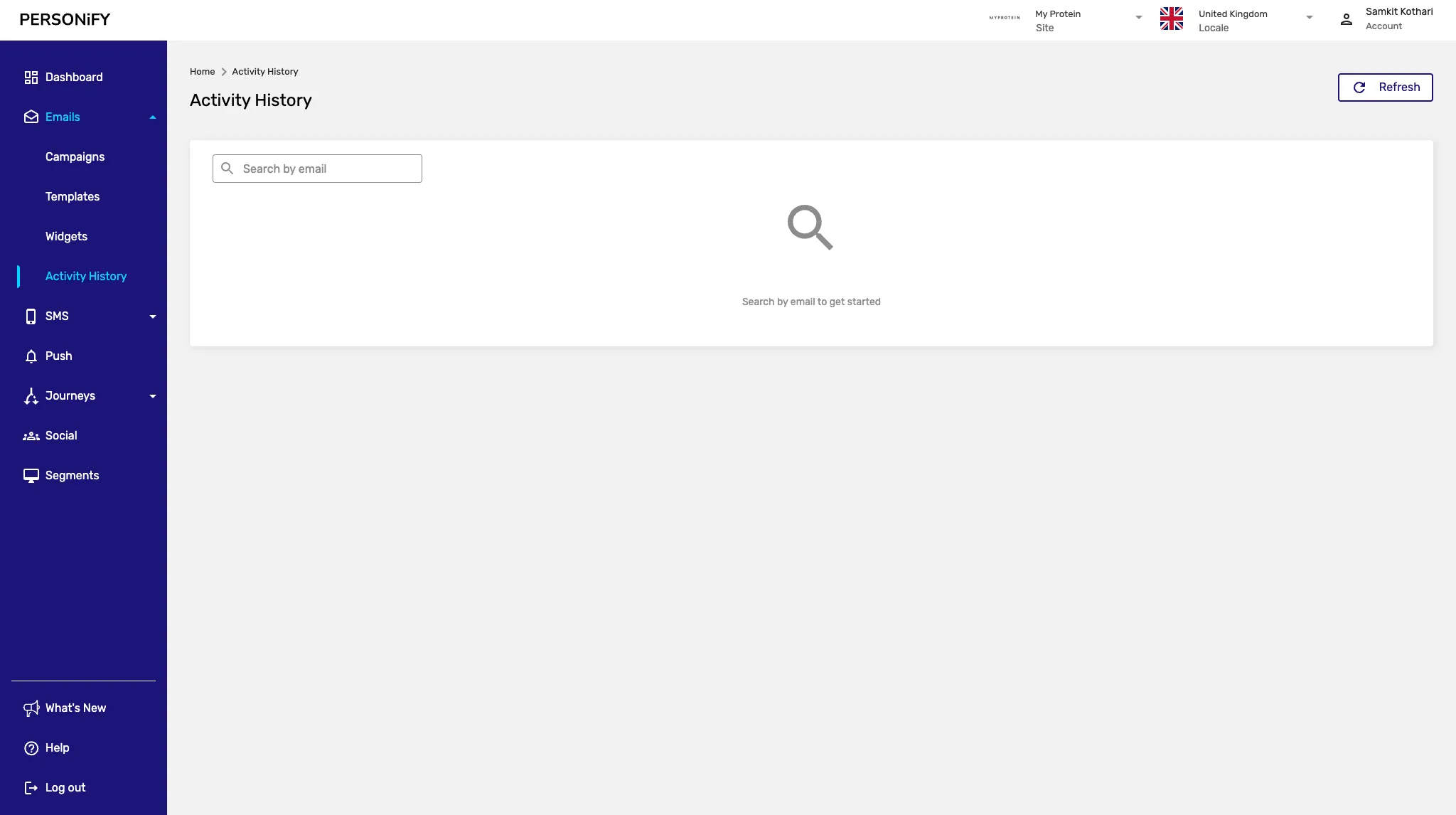
Overview
Section titled “Overview”The Activity History Page is divided into two types: Email and SMS mailings. This feature tracks the history for a specific person (email/SMS) and is primarily used for troubleshooting rather than wide analytics. Whether you’re searching for specific email data or SMS history based on phone numbers, this platform provides the tools you need to access individual communication history.
Email Activity History
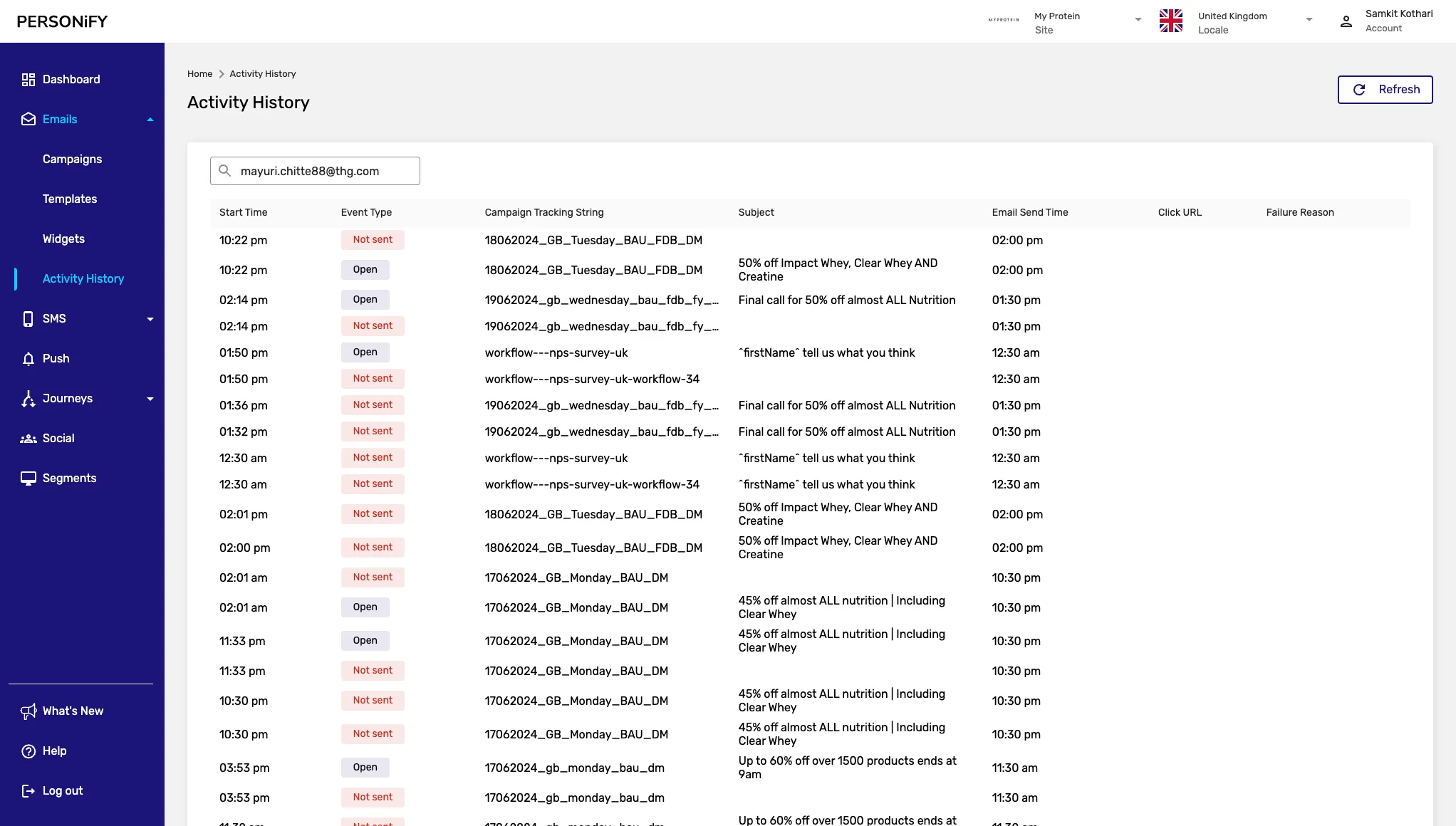
Section titled “Email Activity History”The Email Activity History section presents a simple and user-friendly interface. In the top right corner, you will find a “Refresh” button, allowing you to update the page to access the latest data.
Getting Started with Email History
Section titled “Getting Started with Email History”In its initial state, the table is empty, but you can populate it by searching for a specific email used in your email campaigns.
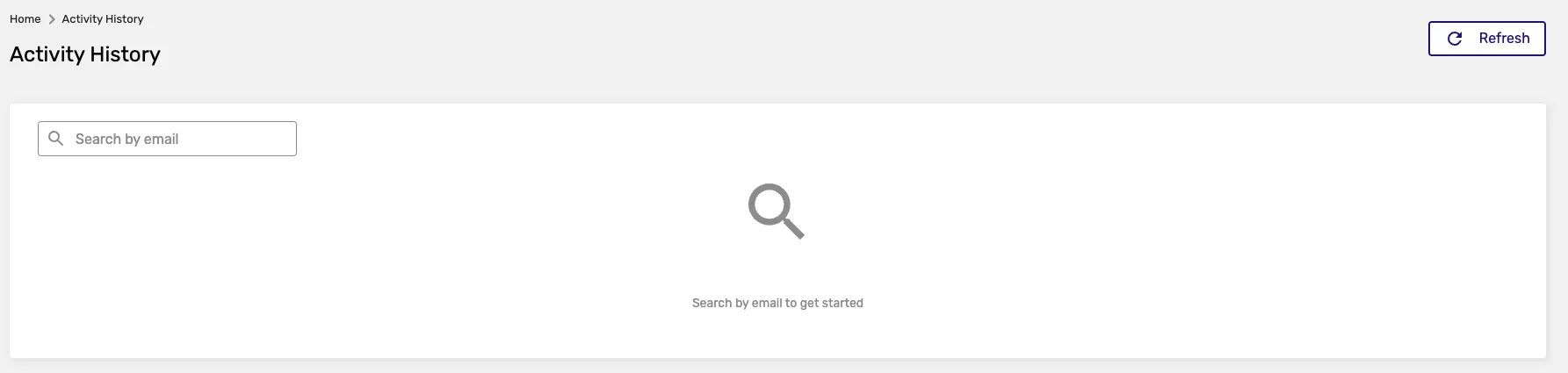
Simply enter the email you wish to inquire about, and the table will be filled with relevant data regarding your campaign, including key details about your email activities.
Email History Results
Section titled “Email History Results”Once you search for an email address, the system will display:
- Campaign Name: The name of the campaign the email was part of
- Send Date: When the email was sent
- Status: Delivery status (sent, delivered, opened, clicked, etc.)
- Template Used: Which template was used for the email
- Recipient Details: Information about the recipient
SMS Mailing Activity History
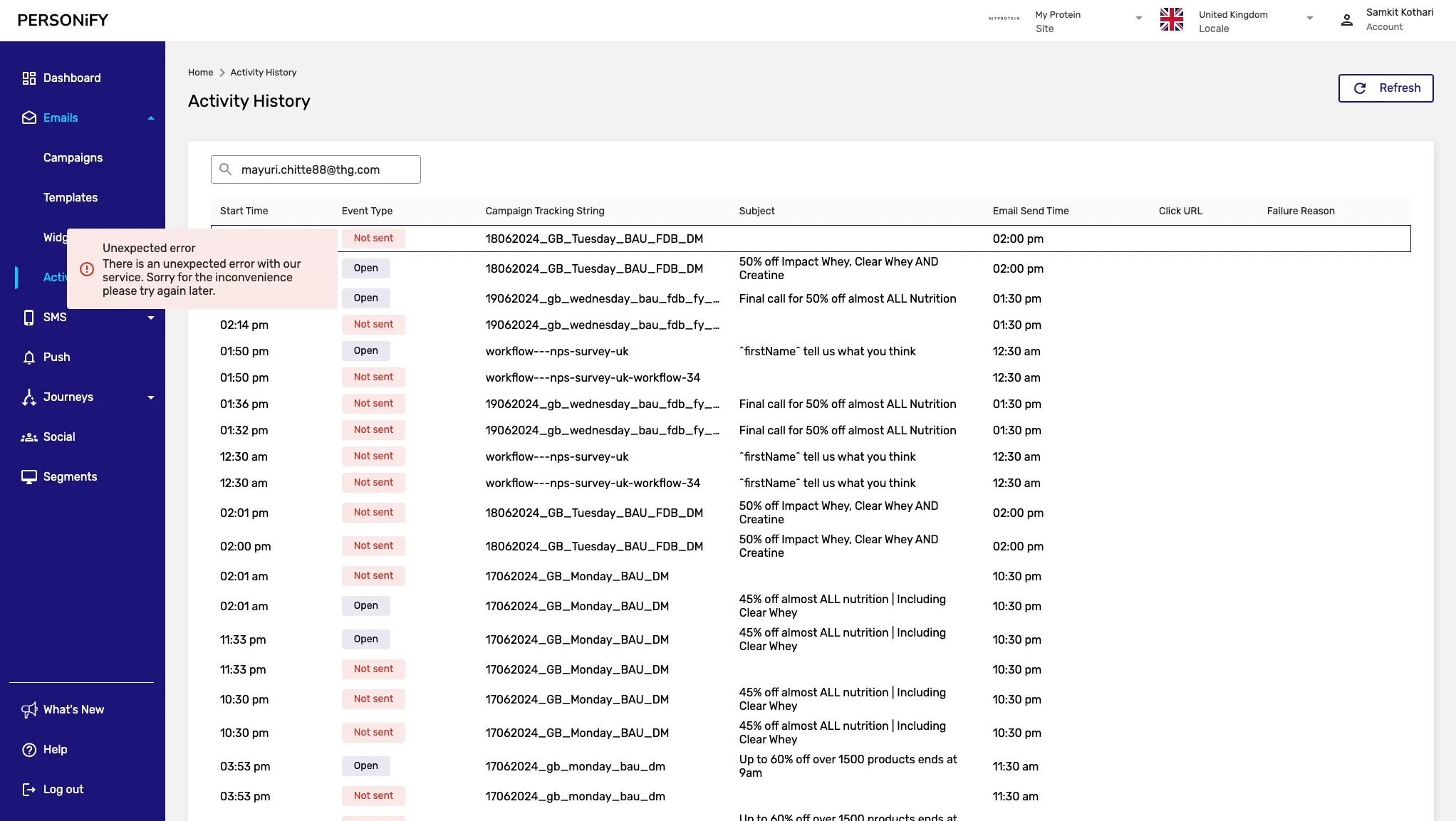
Section titled “SMS Mailing Activity History”For SMS Mailing Activity History, the interface remains straightforward. The only difference is the type of mailing you are searching for—SMS.
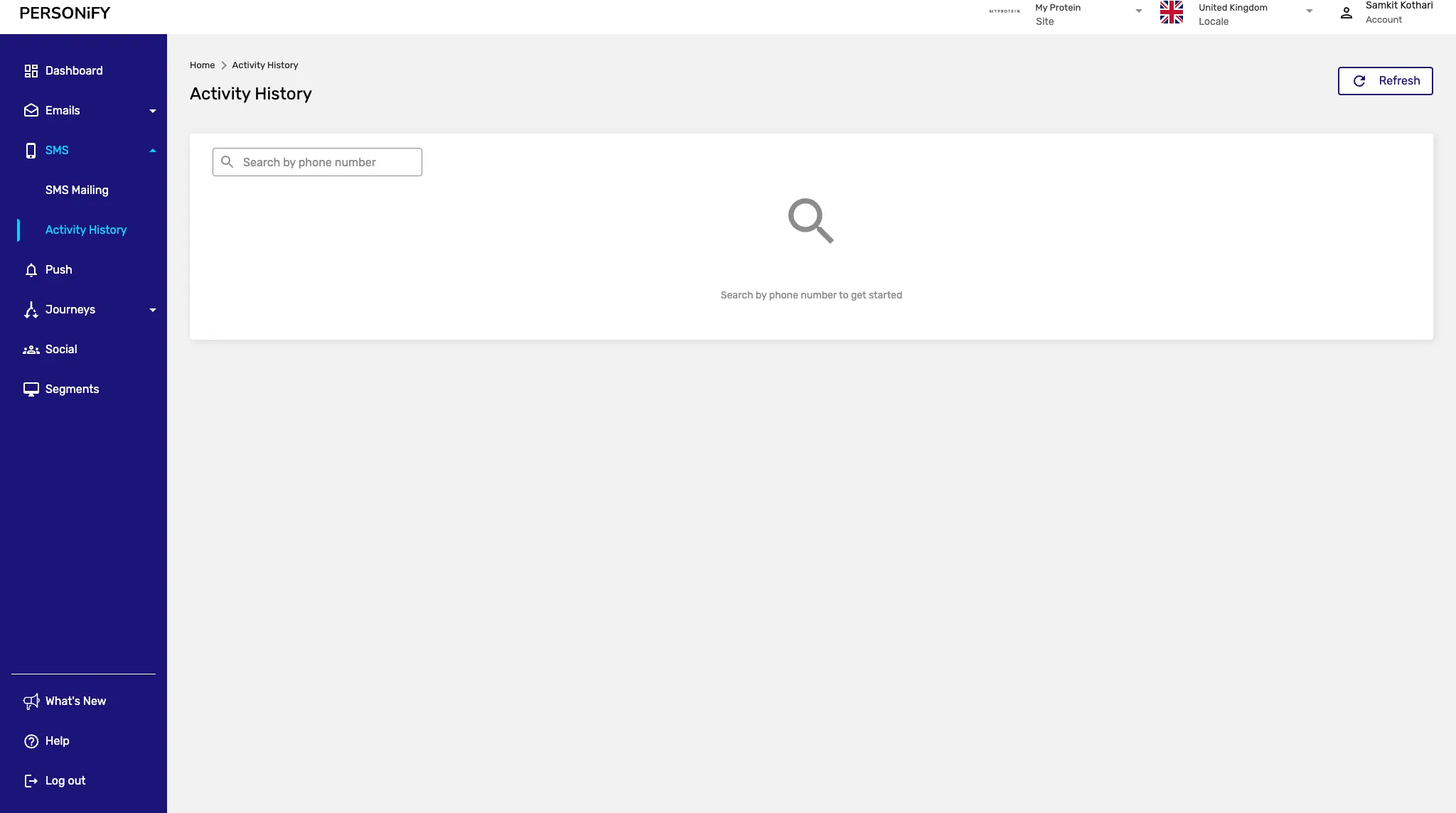
Getting Started with SMS History
Section titled “Getting Started with SMS History”To access relevant information about specific phone numbers, you will need to provide the phone number you are interested in.
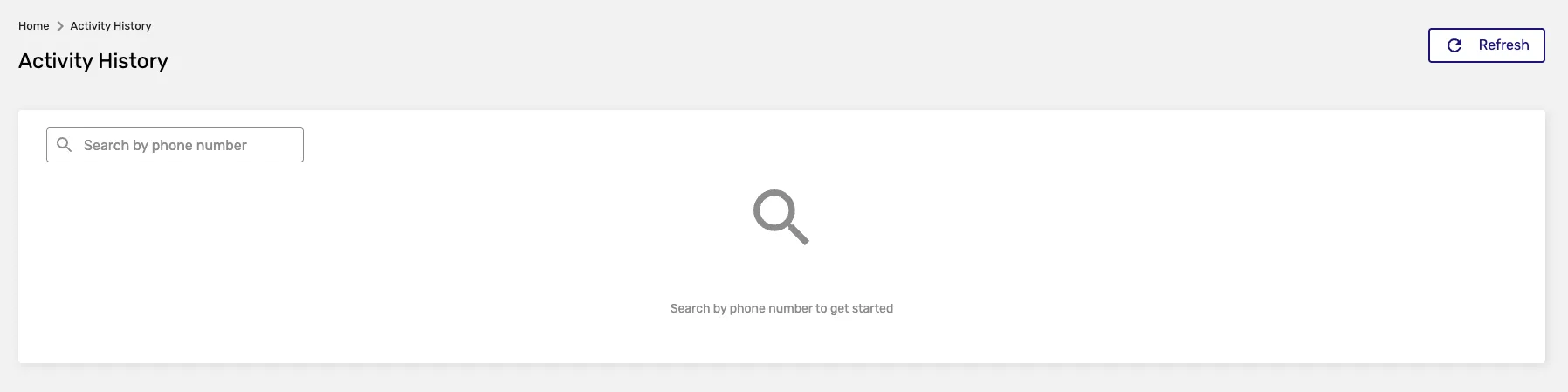
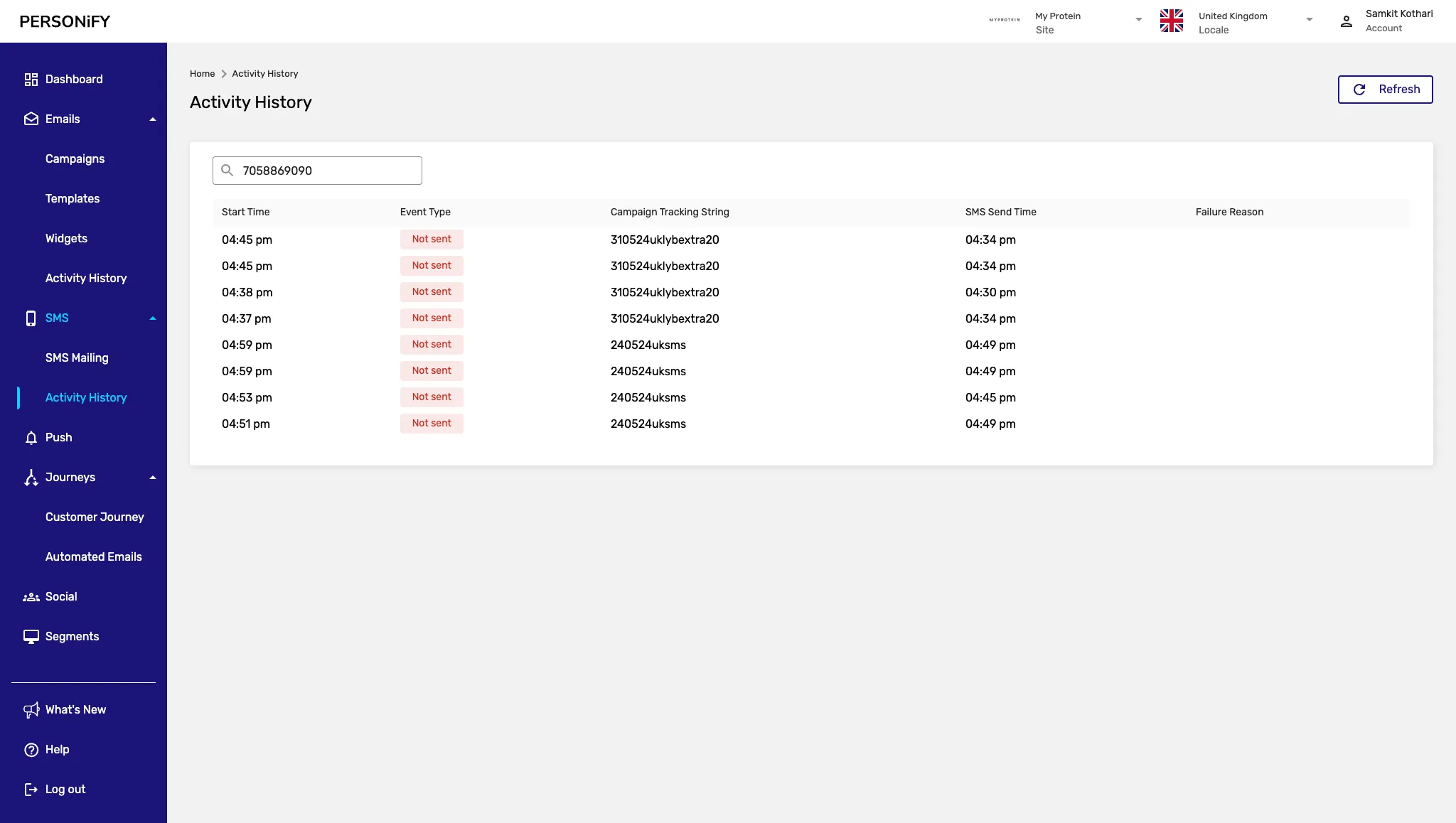
By inputting the desired phone number, you can retrieve the corresponding SMS mailing activity history, gaining insights into your SMS campaign activities and their impact on your audience.
SMS History Results
Section titled “SMS History Results”The SMS history will show:
- Campaign Name: The SMS campaign name
- Send Date: When the SMS was sent
- Status: Delivery status (sent, delivered, failed, etc.)
- Message Content: Preview of the SMS content
- Phone Number: The recipient’s phone number
- Response Data: Any responses or interactions
Search Features
Section titled “Search Features”Advanced Search Options
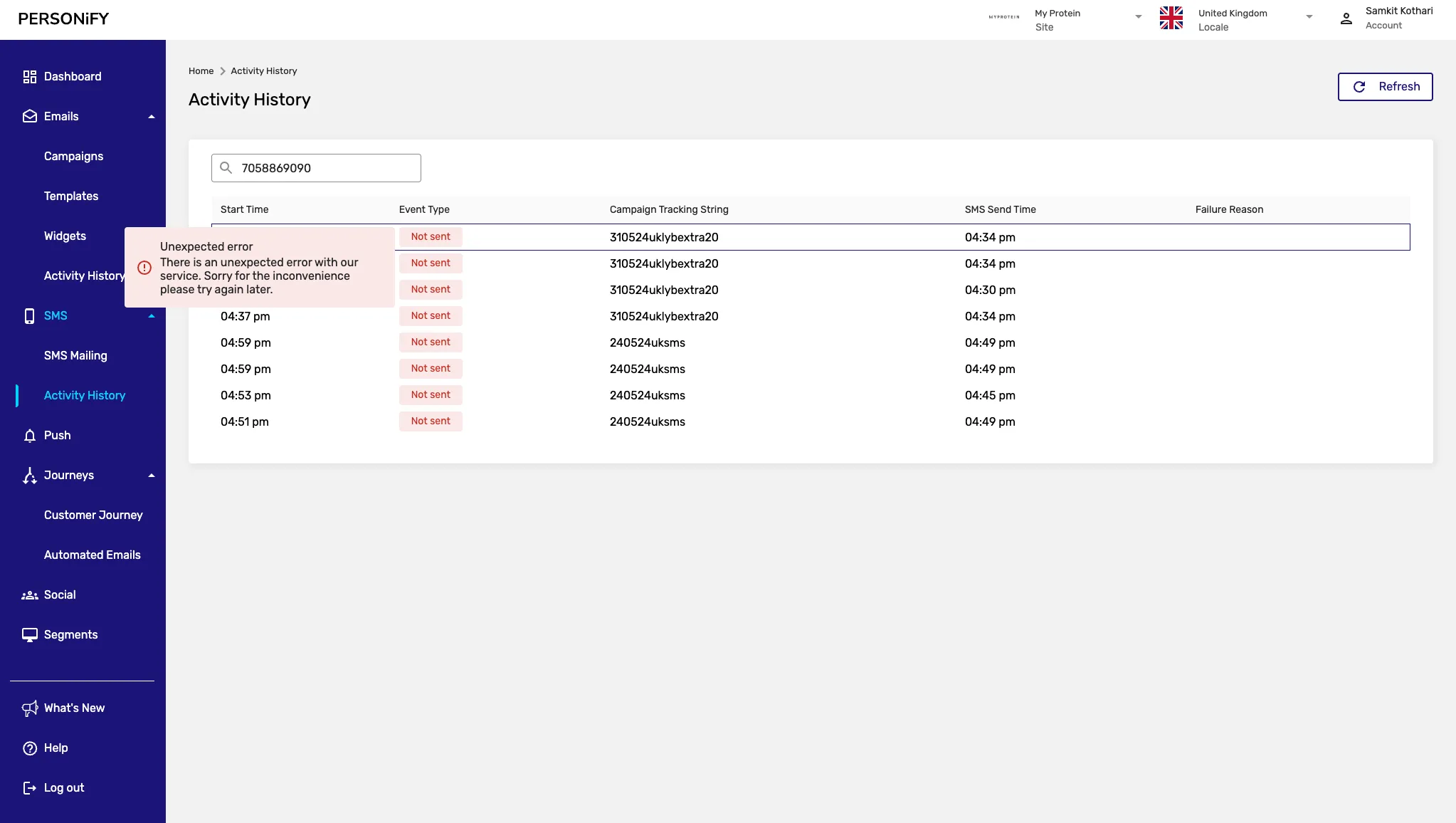
Section titled “Advanced Search Options”Both email and SMS history sections offer advanced search capabilities:
- Date Range Filtering: Search within specific time periods
- Status Filtering: Filter by delivery status
- Campaign Filtering: Search within specific campaigns
Export Functionality
Section titled “Export Functionality”Export your activity history data for further analysis:
- CSV Export: Download data in spreadsheet format
- PDF Reports: Generate formatted reports
- Custom Date Ranges: Export specific time periods
Best Practices
Section titled “Best Practices”- Troubleshooting: Use activity history to investigate delivery issues for specific recipients
- Individual Tracking: Monitor communication history for specific email addresses or phone numbers
- Compliance Tracking: Verify communication history for individual recipients when needed
- Issue Resolution: Identify and resolve delivery problems for specific contacts
Summary
Section titled “Summary”The Activity History Page offers a convenient way to review individual email and SMS communication history for troubleshooting purposes.
Whether you need to investigate delivery issues for a specific email address or examine SMS history for a particular phone number, this platform provides the necessary tools to track individual communication records and resolve any issues that may arise.