Reviews
Summary
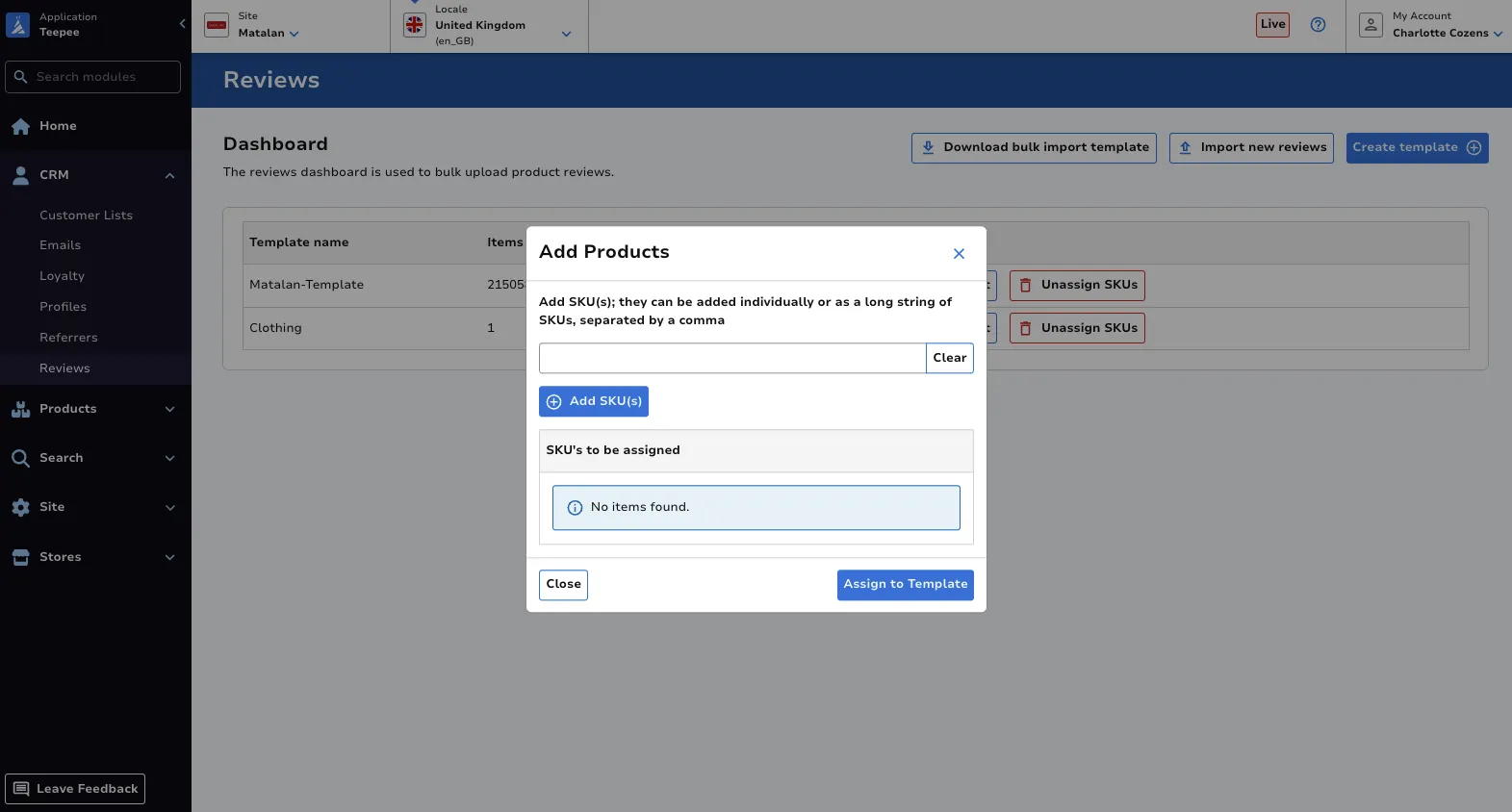
Section titled “Summary”The Reviews module is used to bulk upload product reviews.
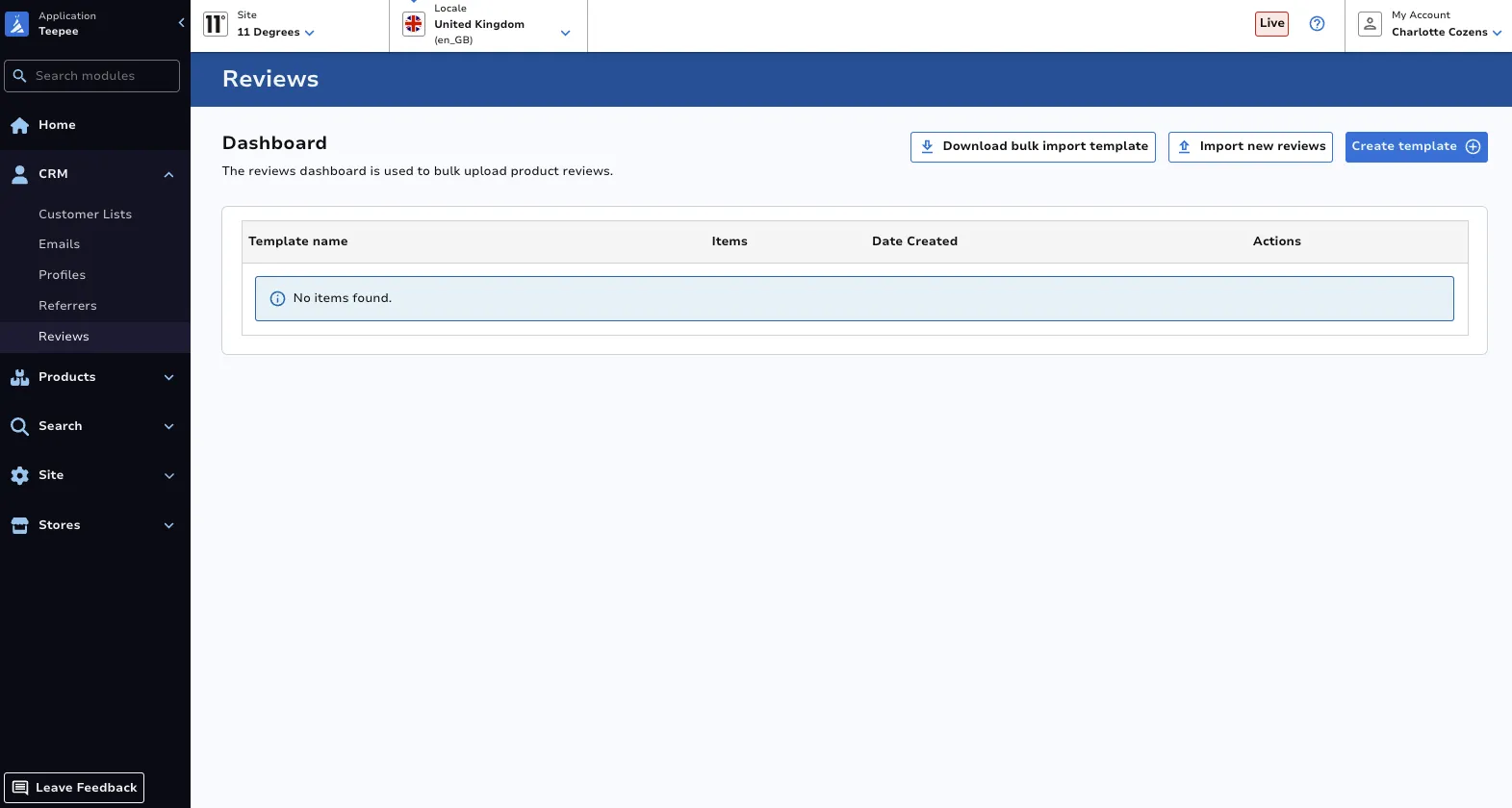
Product reviews can be found on site via the PDP.
Import New Reviews
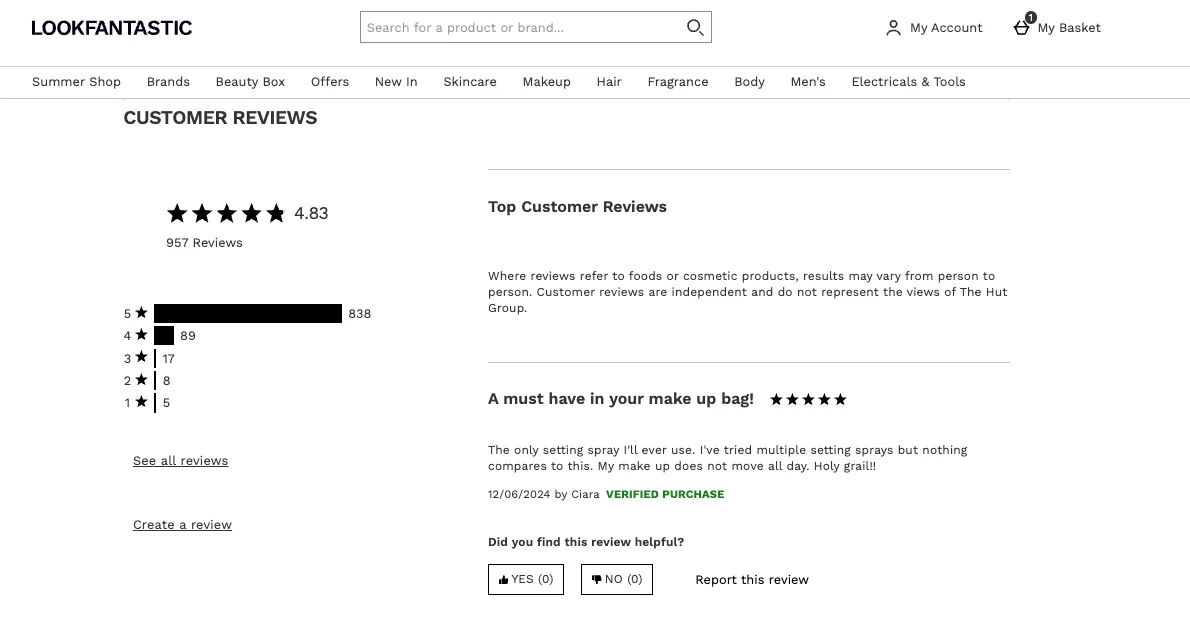
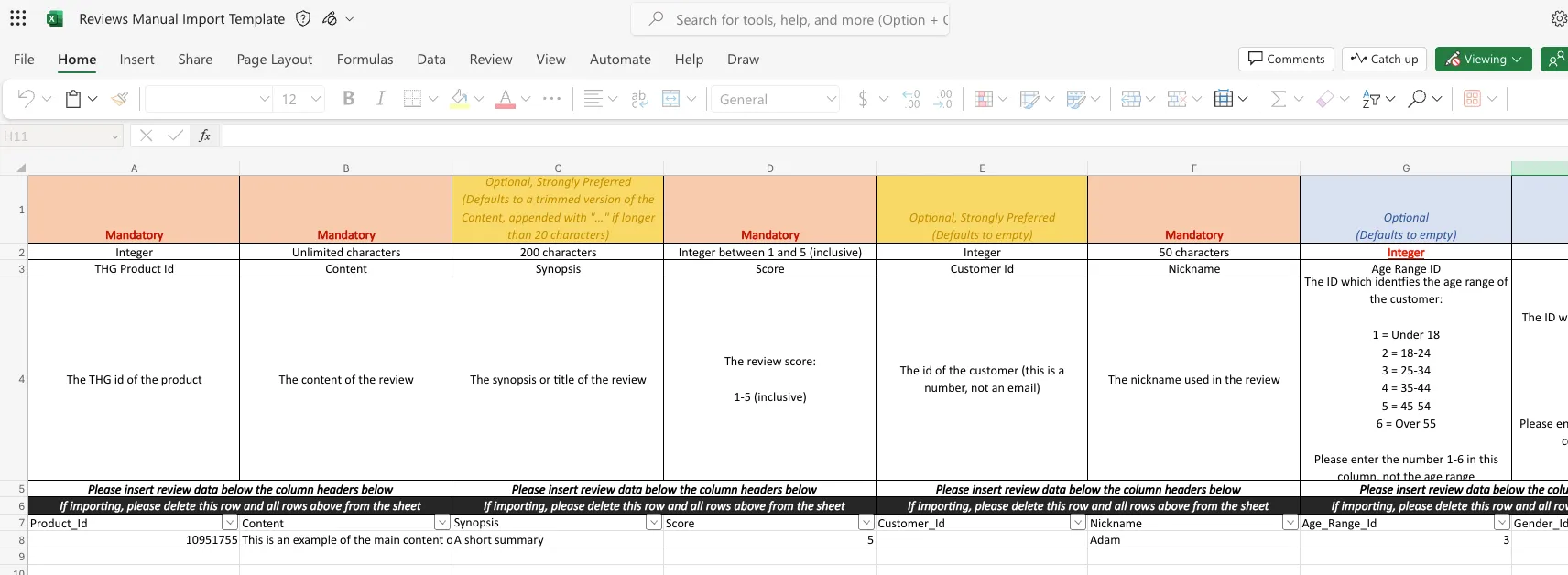
Section titled “Import New Reviews”The easiest way to upload reviews is to download the template (found via Import new reviews button), remove the first 6 rows, populate the sheet with the data and then upload that Excel (.xlsx) file.
Feature Rating Template
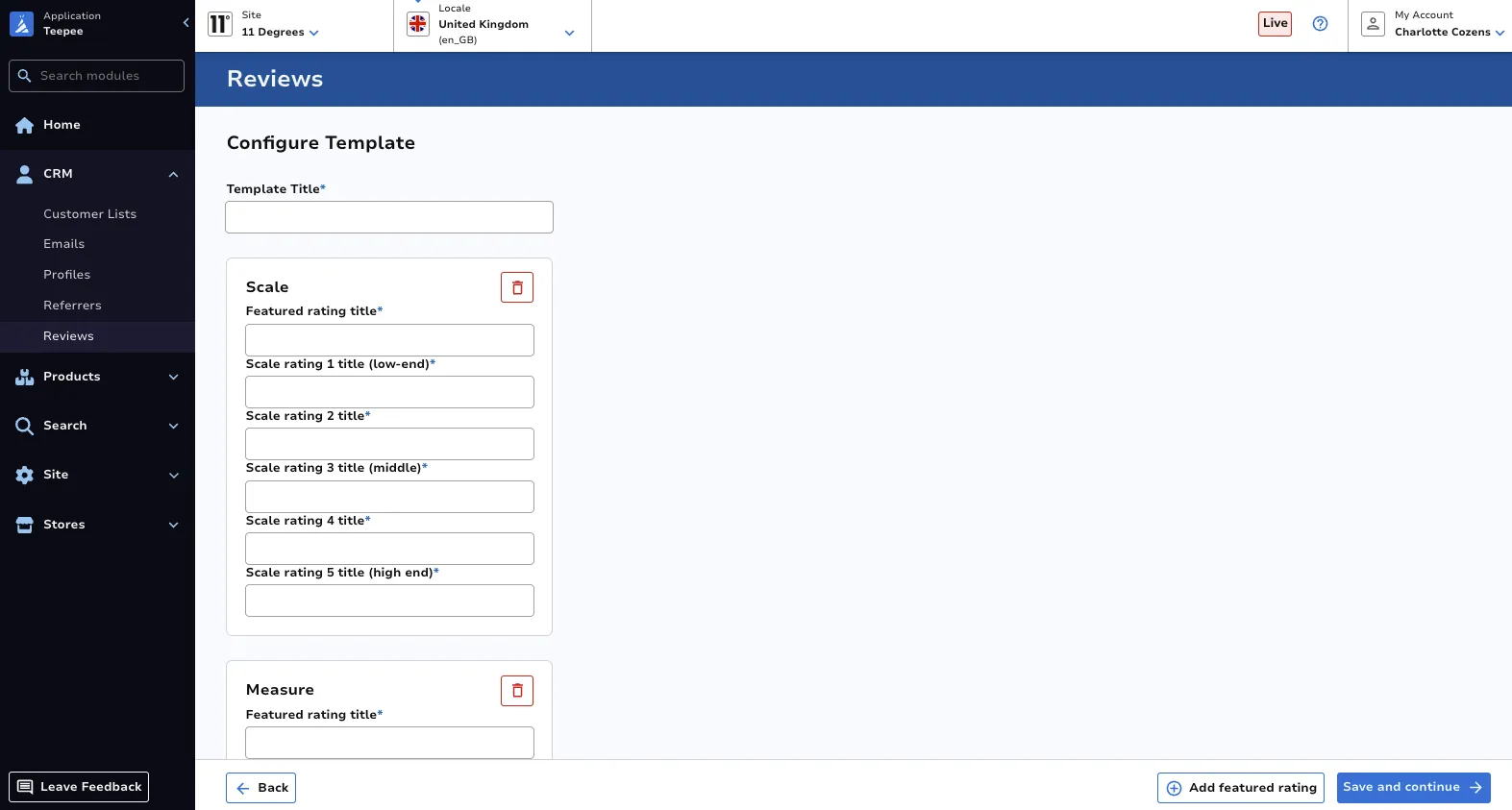
Section titled “Feature Rating Template”Feature rating templates can be used ensure reviews consider a specific feature or aspect of the associated product. For example, for all clothing products, you might want reviews to consider how well the item ‘fits’.
Create a New Template
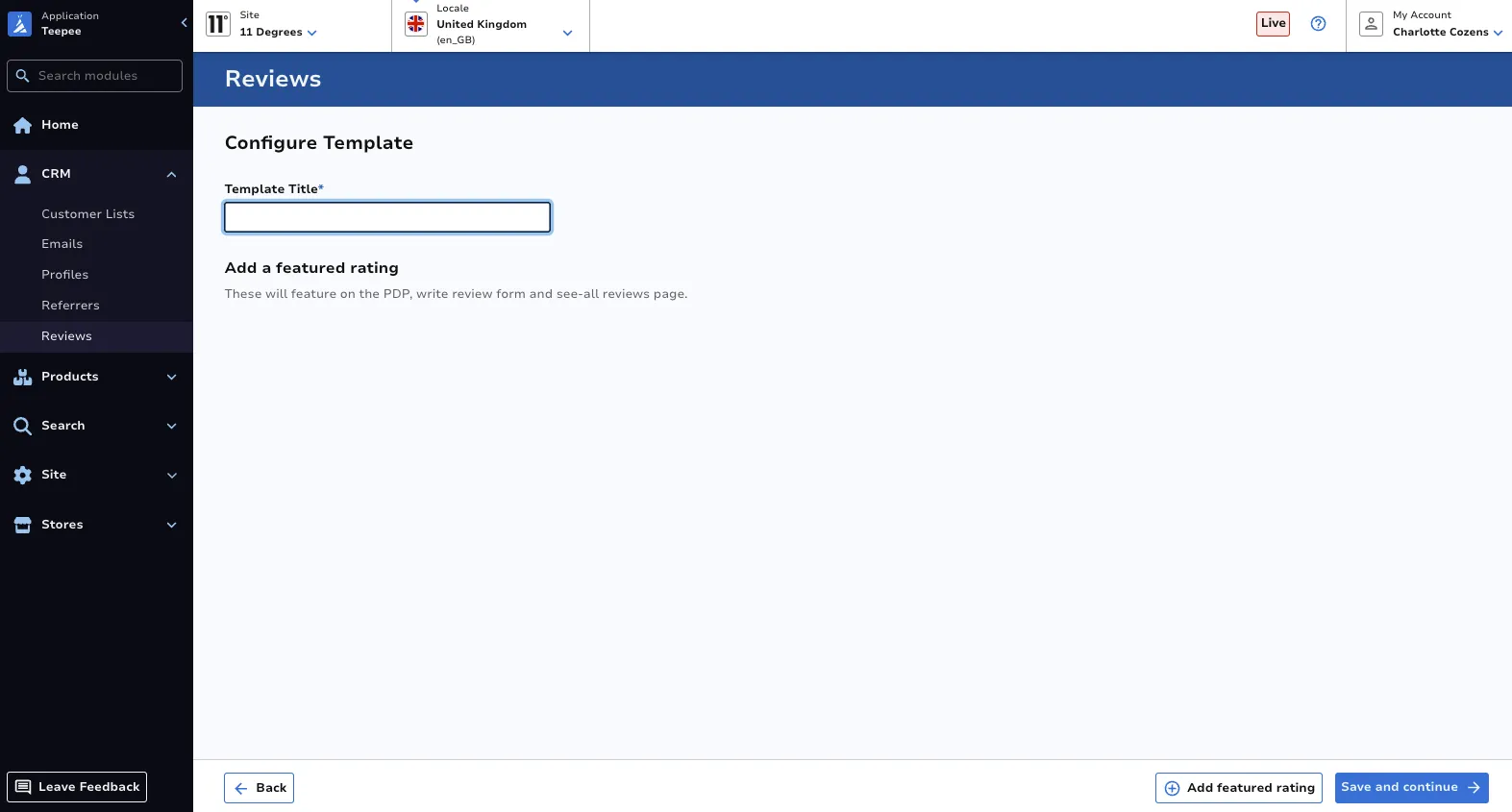
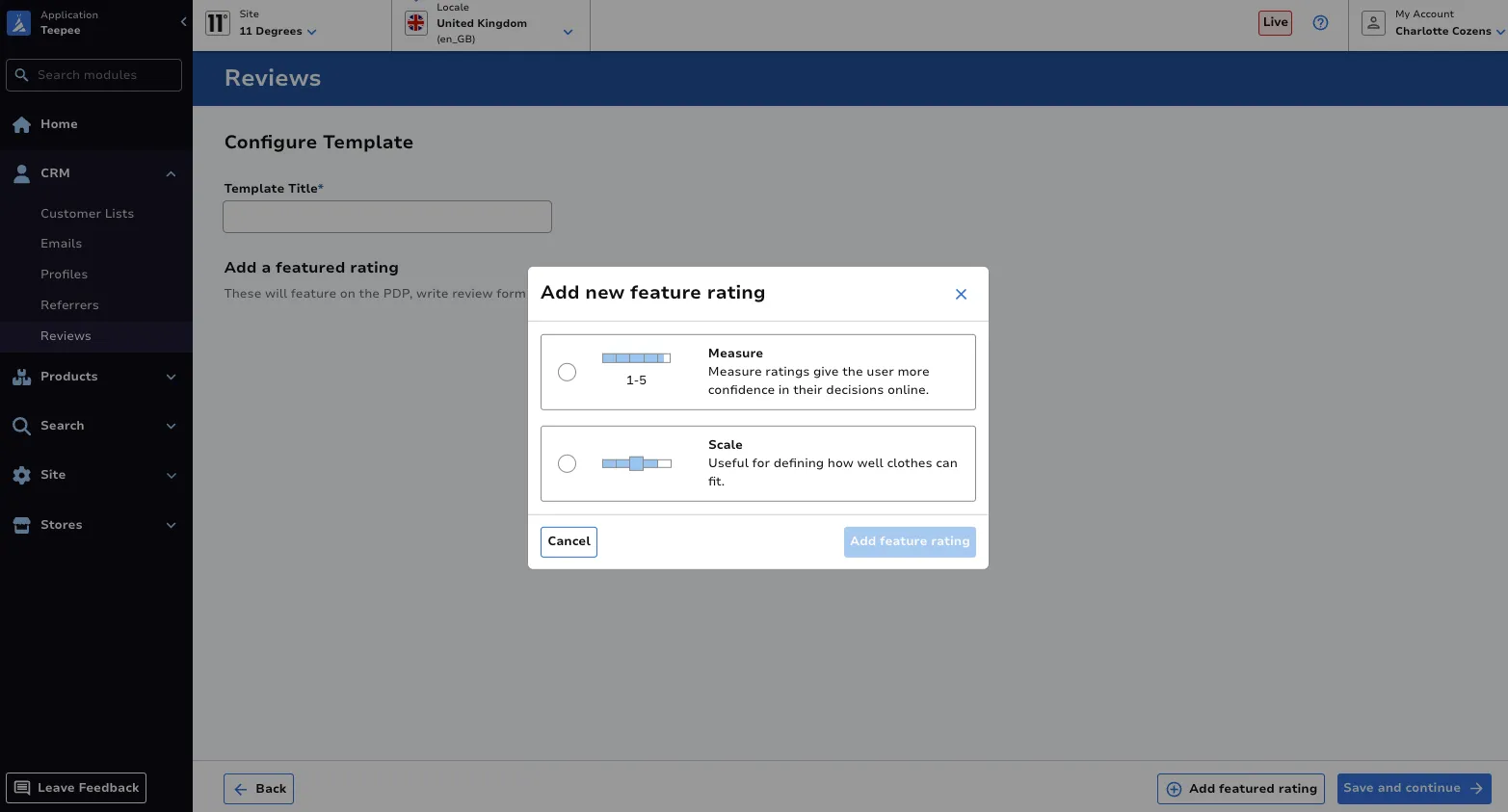
Section titled “Create a New Template”To create a new template, click the Create a new template button. Select the required fields.
Edit a Template
Section titled “Edit a Template”On the main dashboard, click the Edit button against the template you’d like to edit. Make the required adjustments, ensuring to click Save and continue.
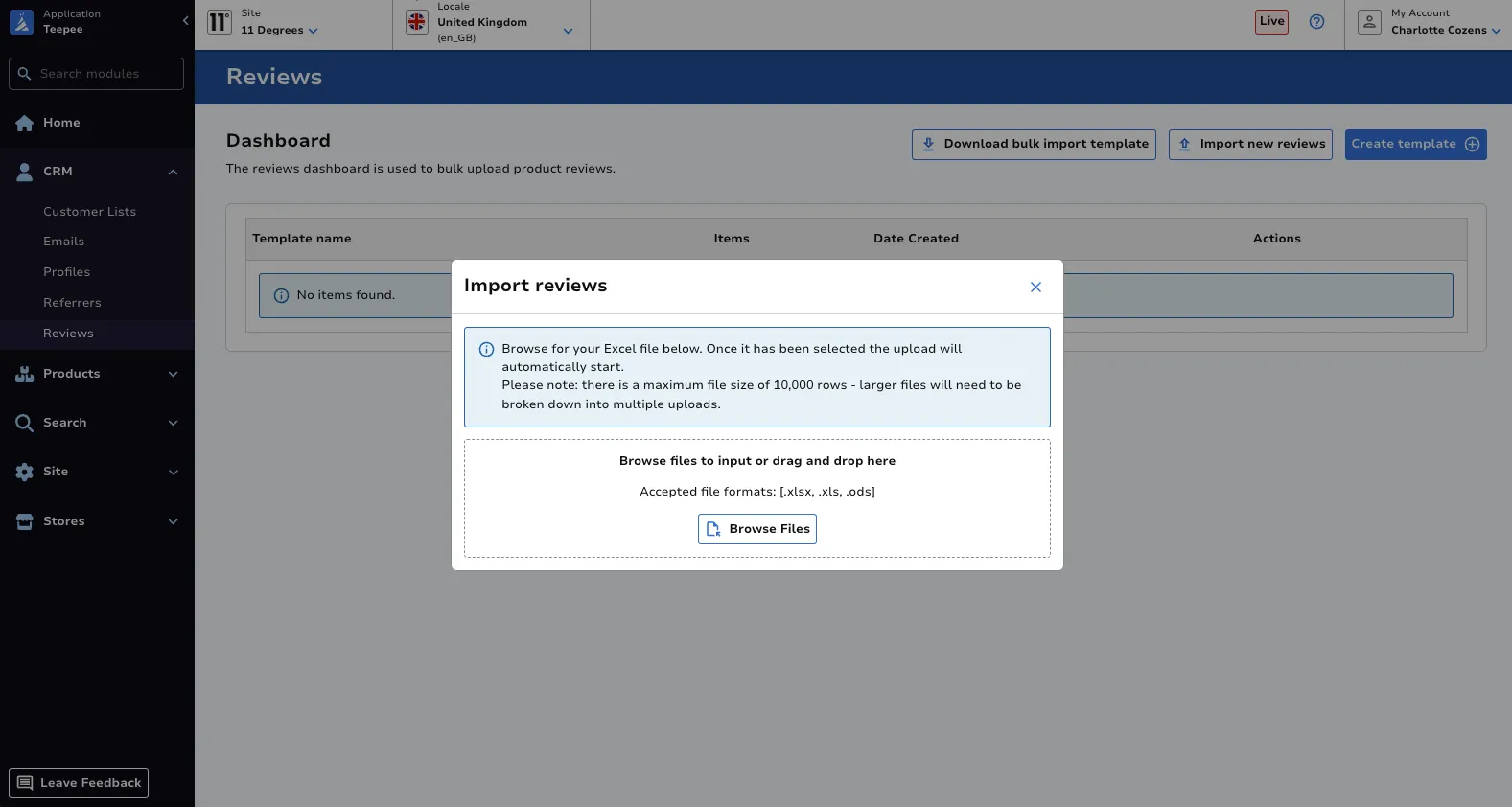
Assign or Unassign SKUs to a Template
Section titled “Assign or Unassign SKUs to a Template”On the main dashboard, click the Assign SKUs to template or Unassign SKUs next to the desired template, input your list of SKUs, then ensure your changes are saved.