Restricted Search Products
Summary
Section titled “Summary”This module is used to restrict products from appearing in Search Results or Product Lists.
View Restricted Search Products
Section titled “View Restricted Search Products”Use the Search by product id or restrction level search bar at the top left to filter your view of the existing product search restrictions.
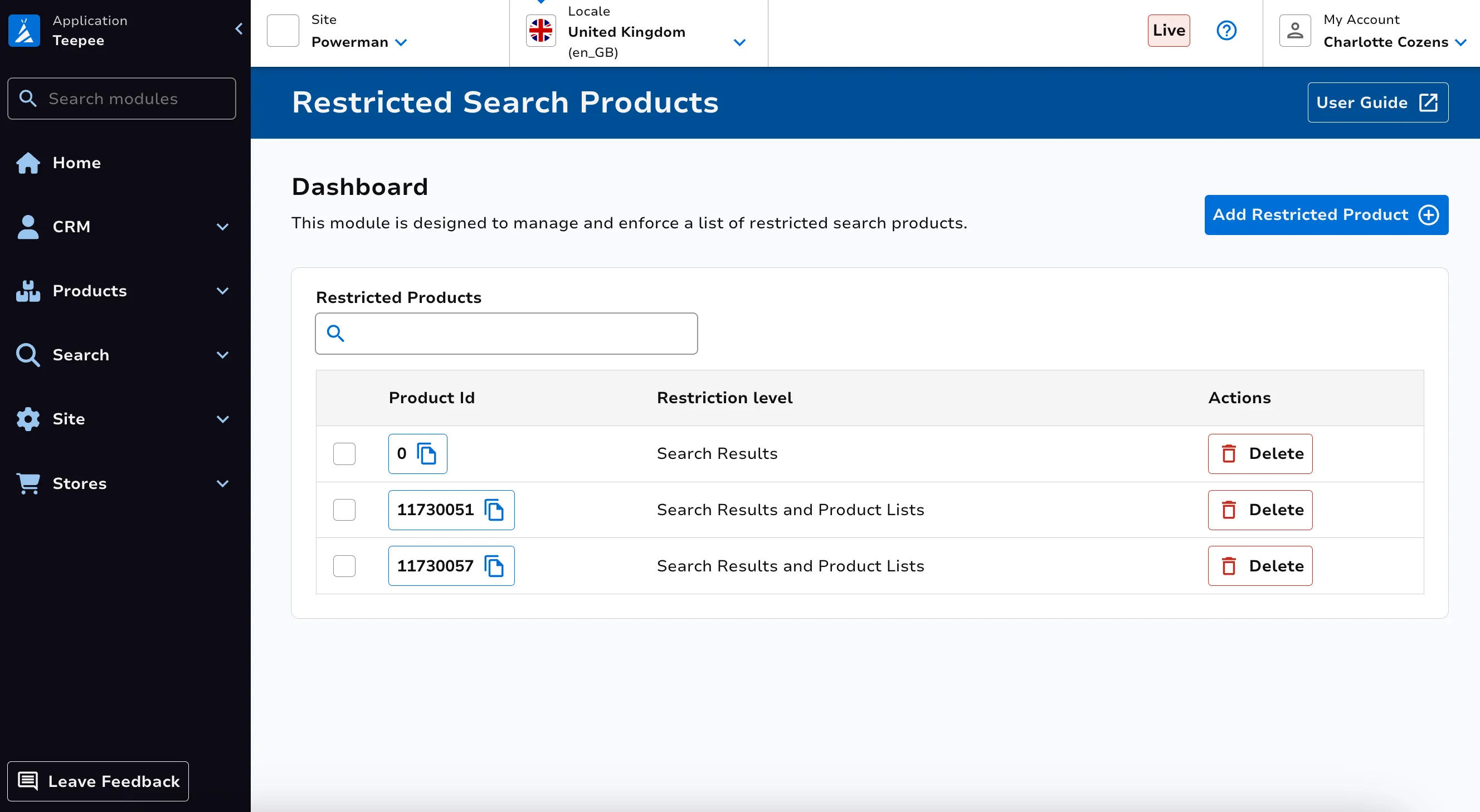
Create Restricted Search Product
Section titled “Create Restricted Search Product”Click on the Add restricted product button at the top right. Enter the product id. Select your restriction level.
Level 1 - Prevents the product from appearing in Search Results
Level 2 - Prevents the product from appearing in Search Results and Product Lists
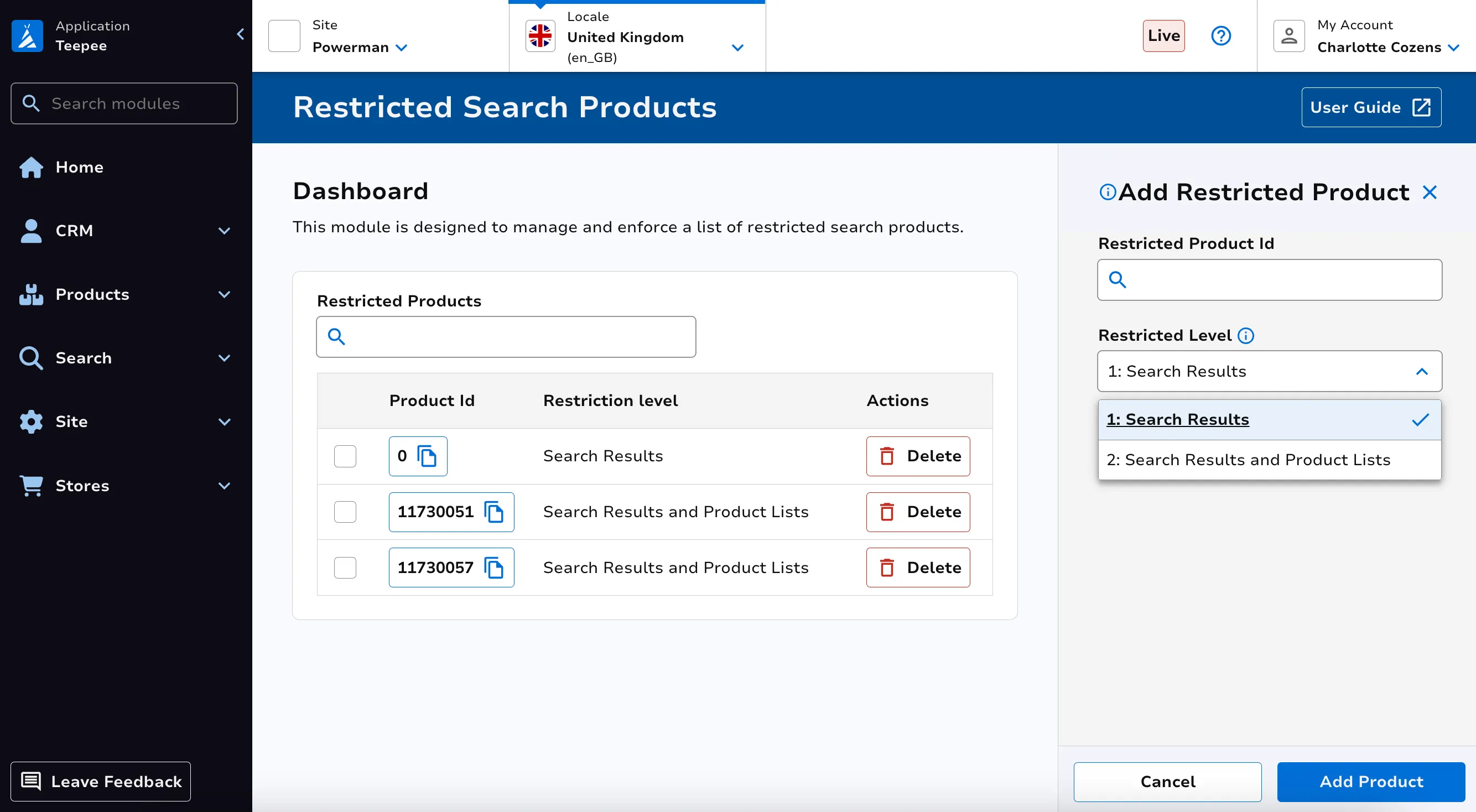
Note: If level 2 is selected, Special Offers set up to apply against a product list which includes this product will not apply to the restricted product.
Delete Restricted Search Product
Section titled “Delete Restricted Search Product”Click on the Delete button against the corresponding row.