Restricted Search Words
Summary
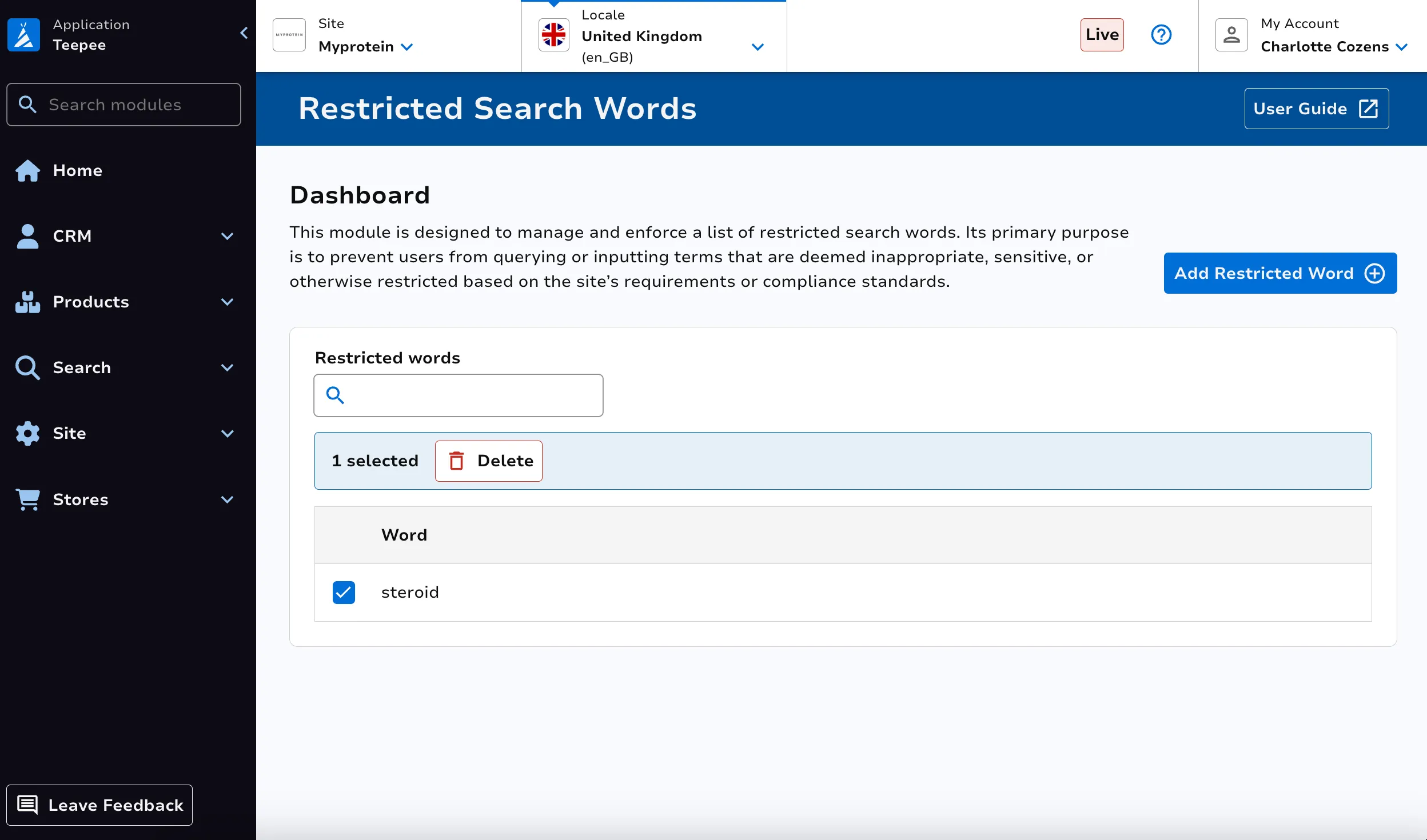
Section titled “Summary”This module is used to restrict words from being used in Search on site.
View Restricted Search Words
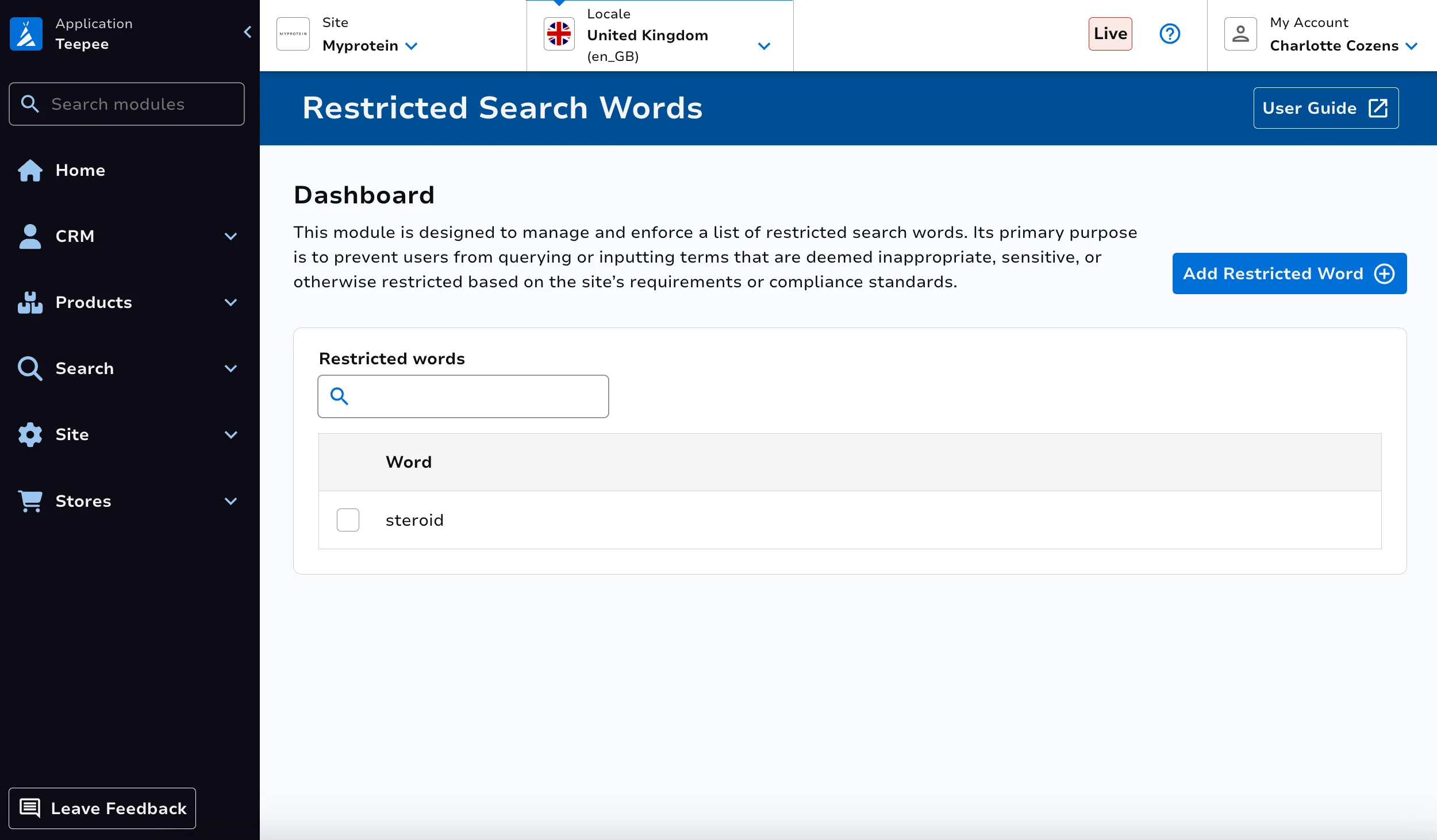
Section titled “View Restricted Search Words”Use the Search by Word search bar at the top left to filter your view of the existing restricted search words.
Create Restricted Search Word
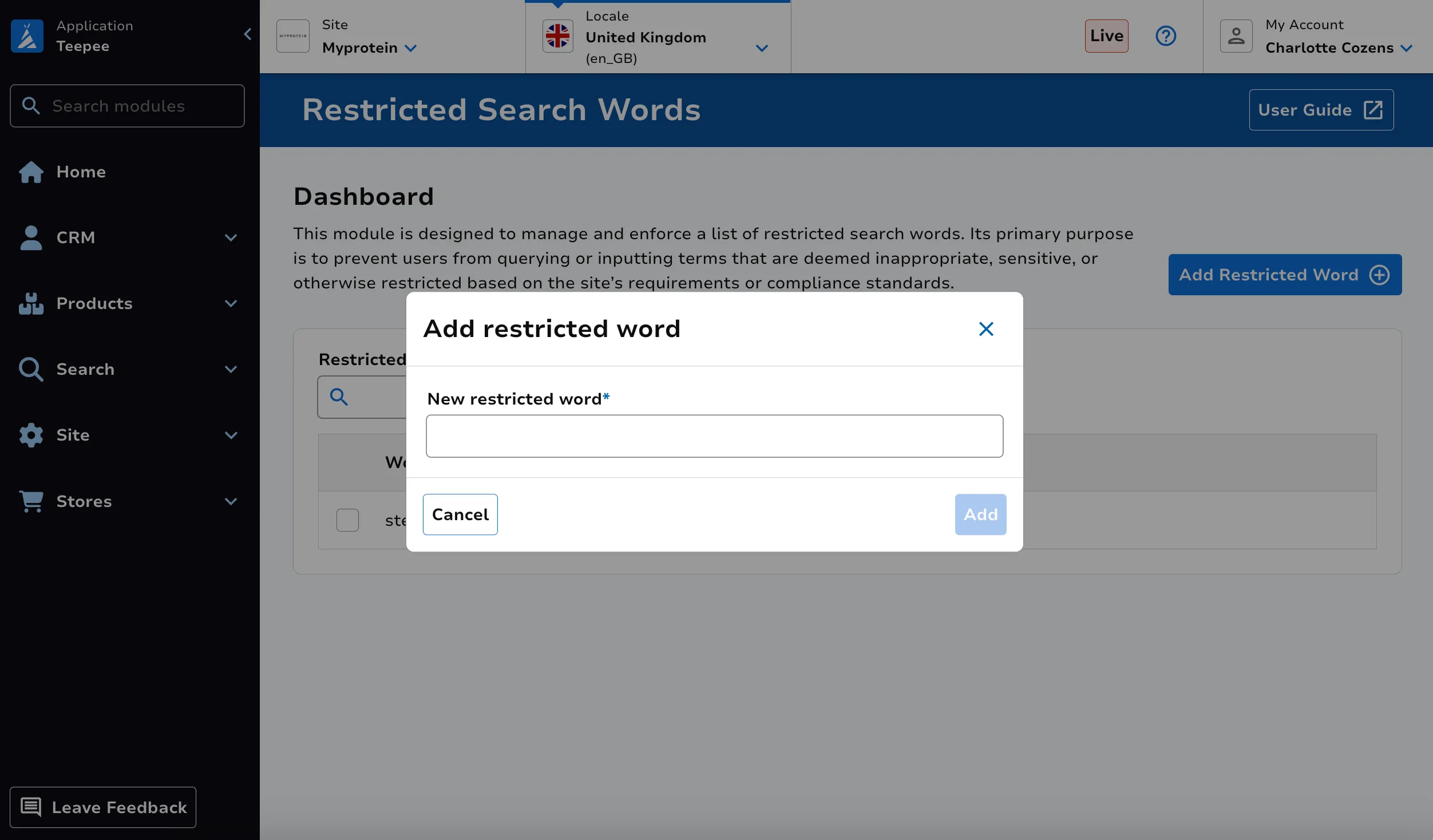
Section titled “Create Restricted Search Word”Click on the Add Restricted Wroduct button at the top right. Enter the word. Click Save.
Delete Restricted Search Word
Section titled “Delete Restricted Search Word”Select the word(s) you’d like to delete using the select icon at the left of the row. Then click on the Bulk Delete button at the top right of the screen to delete the restricted search word(s).