Quick start
Log in
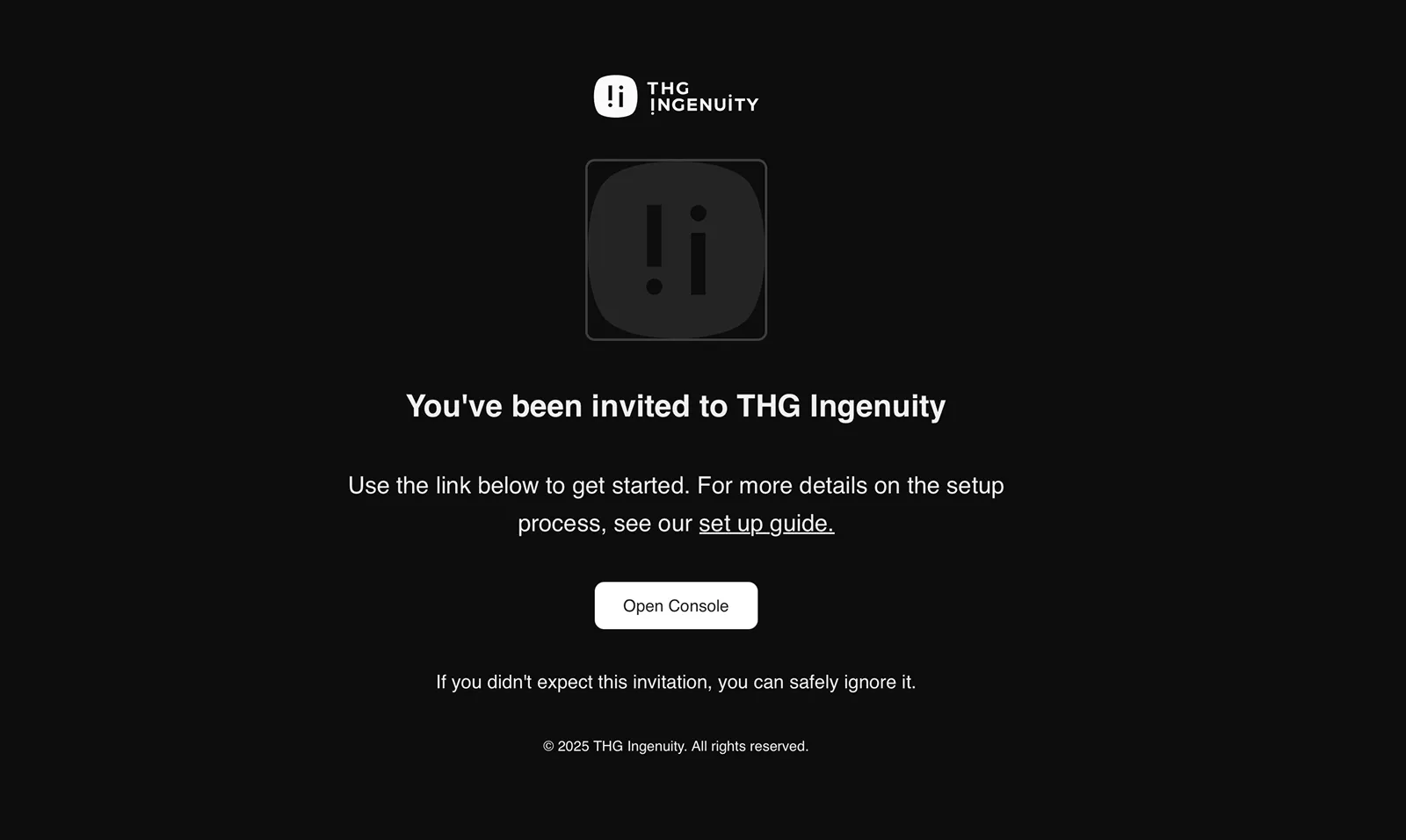
Section titled “Log in”New users receive an email invitation to join the Ingenuity Console. Click the “Open Console” button in the invitation email to begin the setup process. The console supports both single sign-on (SSO) and standard email/password authentication, depending on your organization’s configuration.
Add users
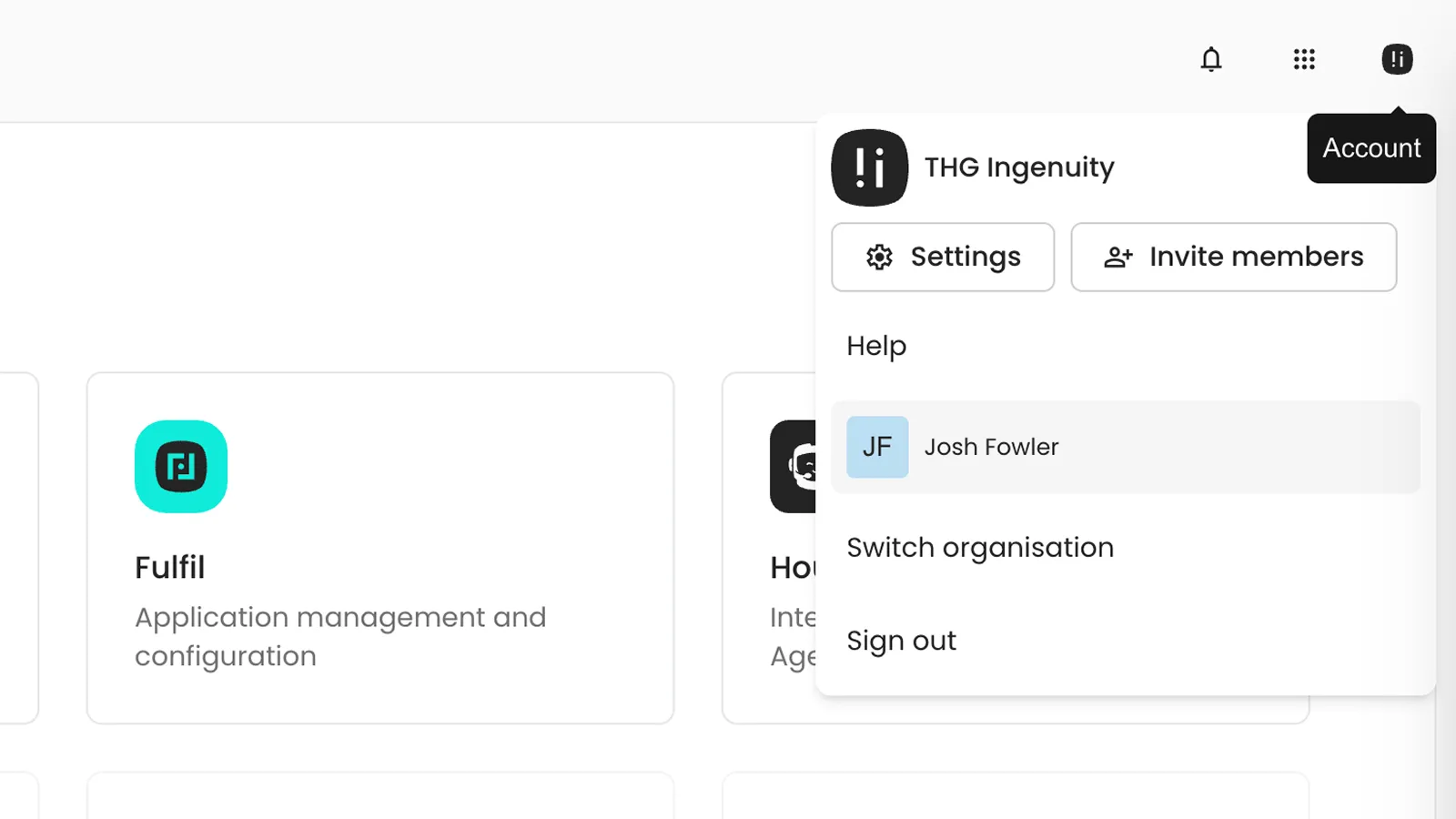
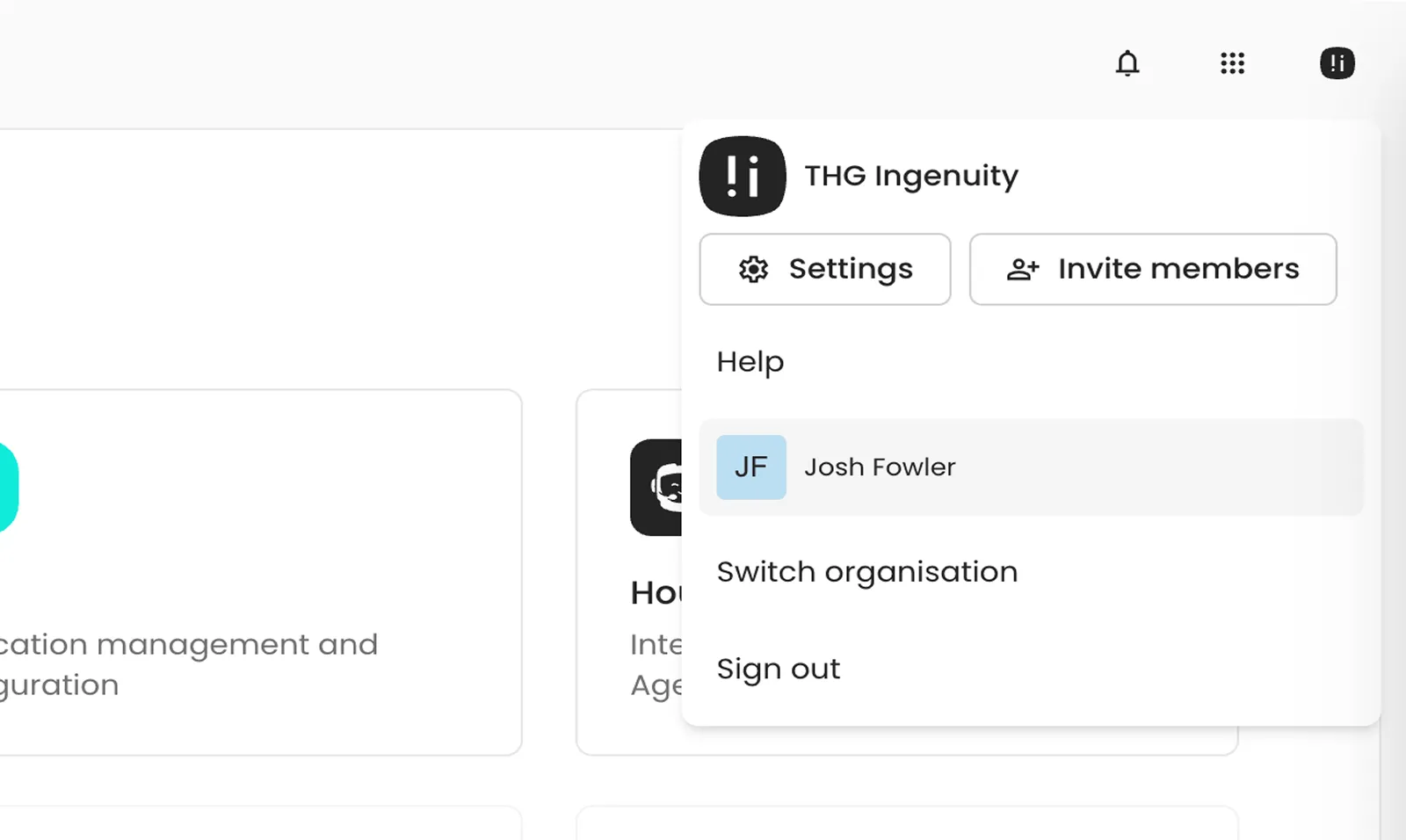
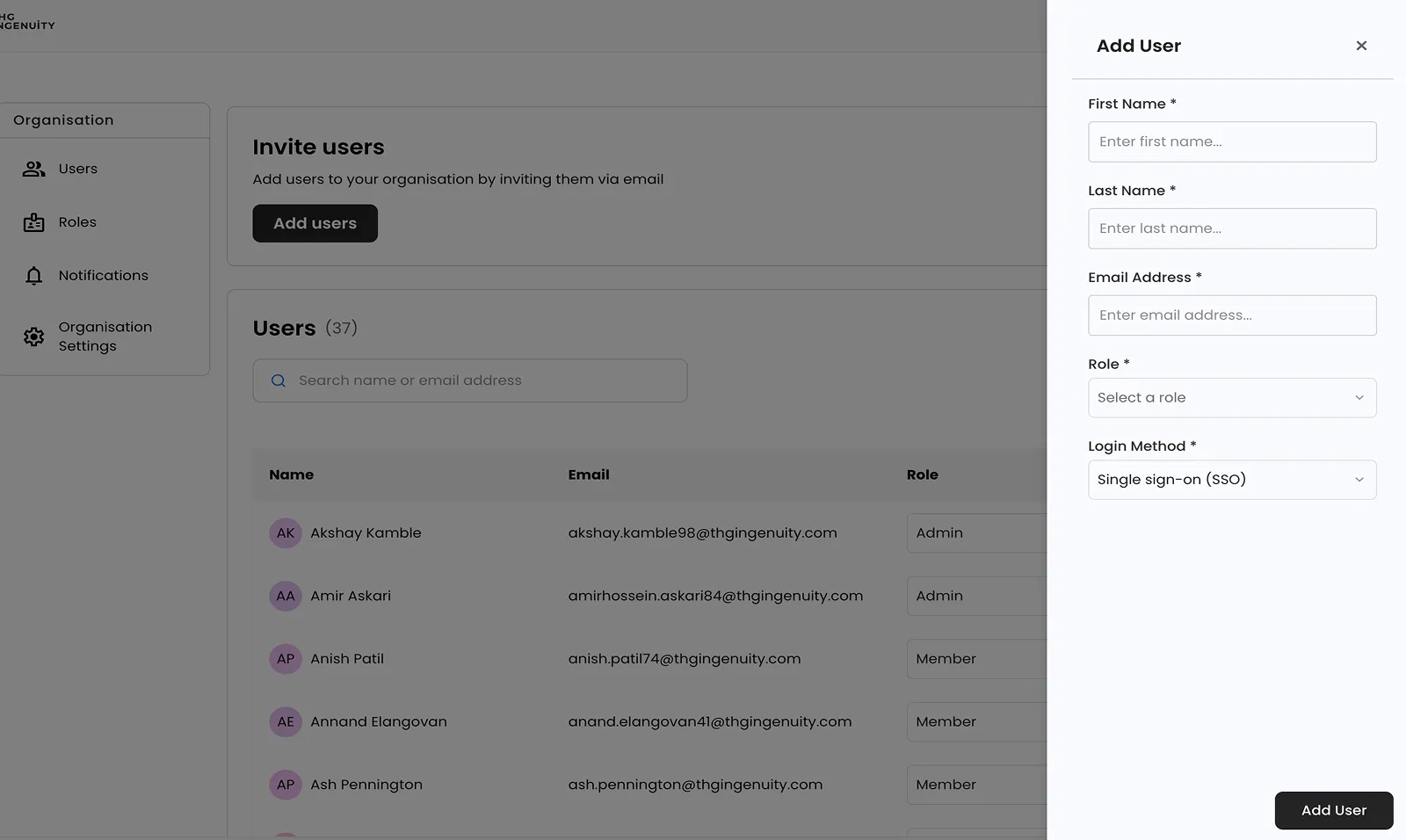
Section titled “Add users”Users with appropriate permissions can invite new members to the organization. Click the account icon in the top right corner to open the account menu “invite members” to open the invitation form.
Create roles
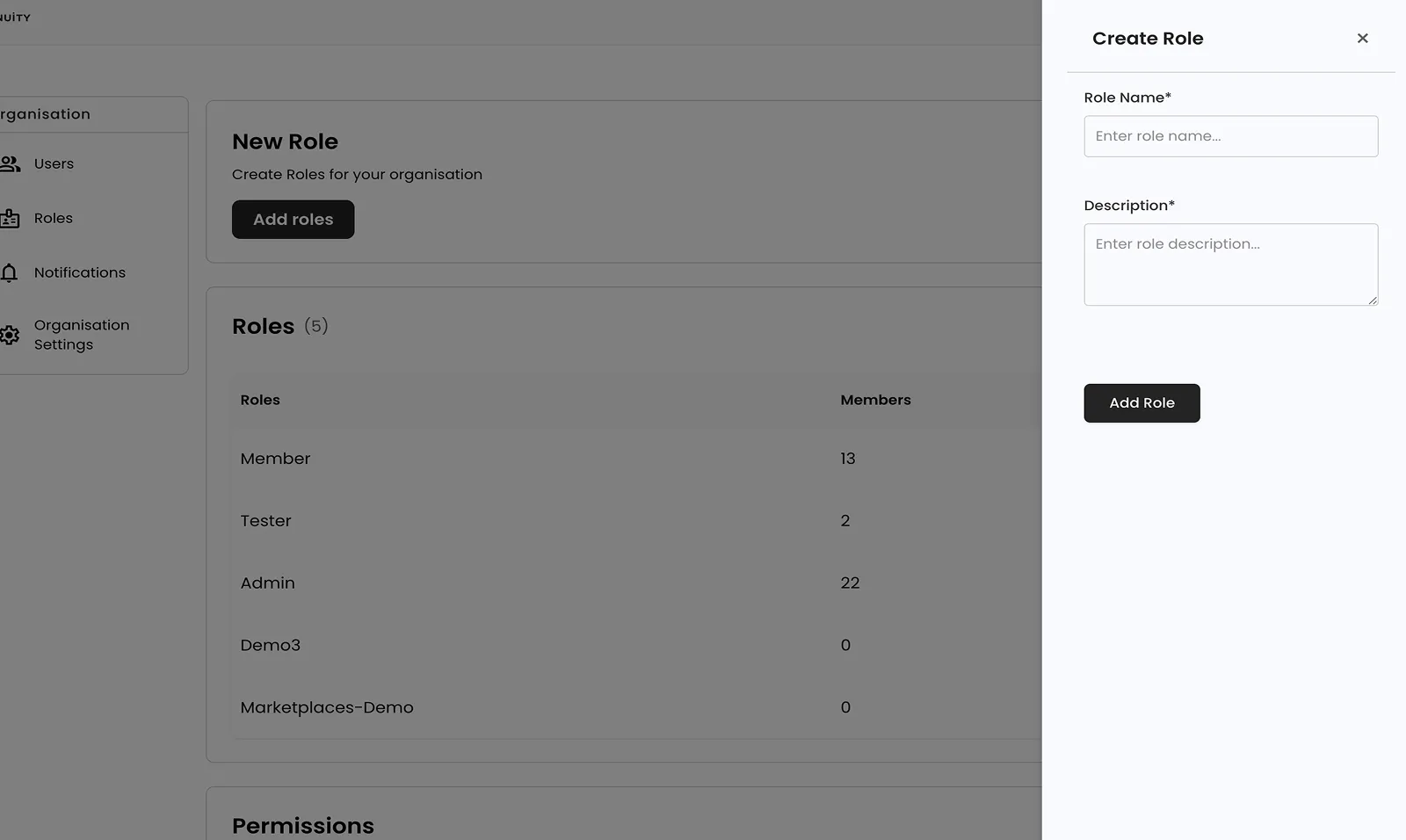
Section titled “Create roles”Users with administrative permissions can create and manage roles to control team member access. Navigate to the Roles page from the organization settings menu in the left sidebar.
To create a new role, click “Add roles” and provide a role name and description. Once created, roles can be assigned to users on the Users page. The Roles page displays all existing roles and shows how many members are assigned to each role.
Manage permissions
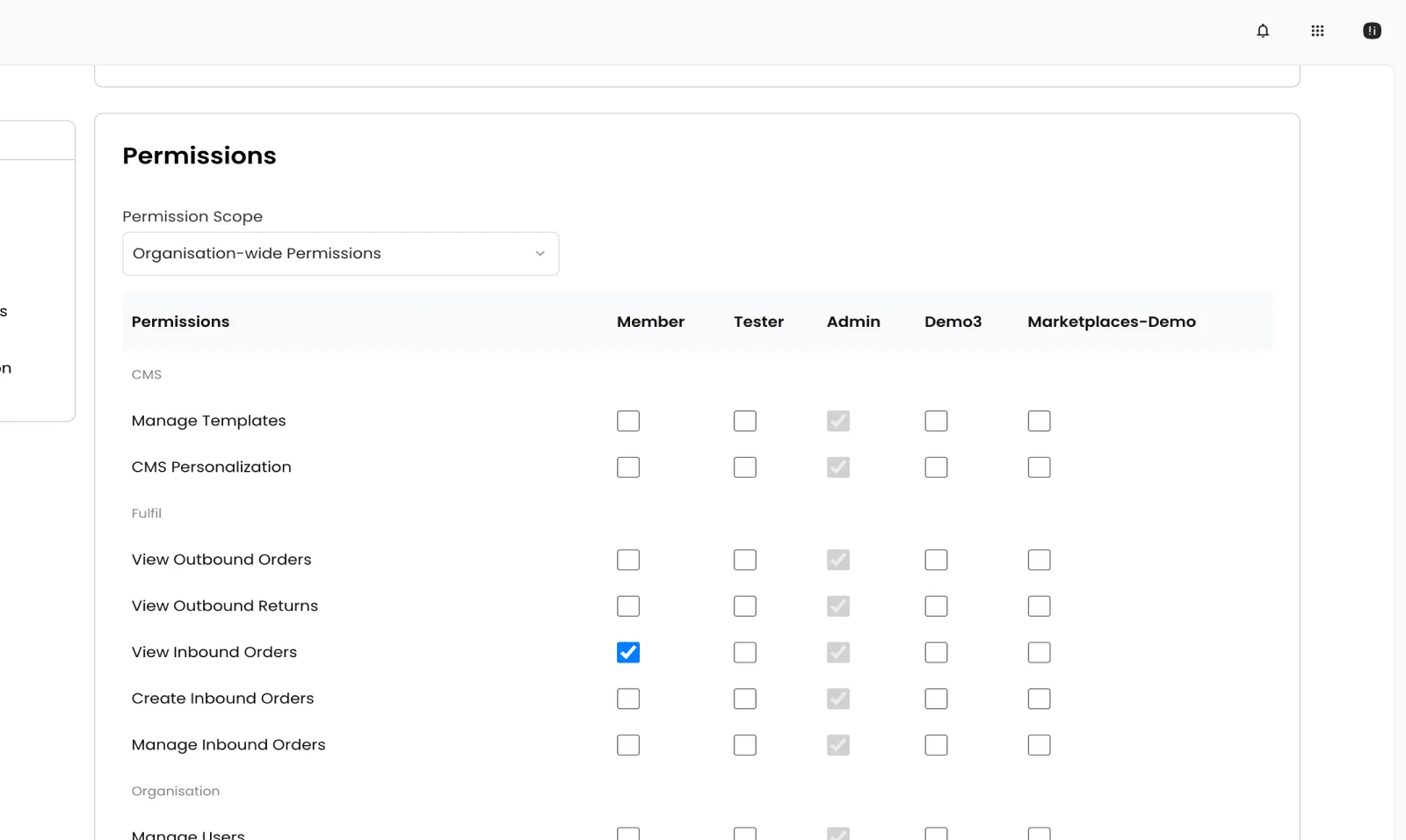
Section titled “Manage permissions”Permissions define what actions members of each role can perform. The permissions table shows all available permissions with checkboxes for each role. Check the boxes to grant specific permissions to a role.
Organisation-wide Permissions: Apply globally across the entire organization (default)
Entity-specific Permissions: Apply to specific resources like individual sites or regions; For example, a “European E-commerce Manager” role might have edit permissions scoped to only European sites, while other sites remain restricted.
Use applications
Section titled “Use applications”The Ingenuity Console provides access to multiple applications. Available applications depend on your role and organization settings. Applications you don’t have access to will appear greyed out.
Use the app switcher in the top navigation bar to quickly switch between applications. Click on any available application to navigate to it from anywhere in the console.