Personalisation
Summary
Section titled “Summary”The Personalisation Module enables you to configure and manage product personalisation options along with custom pricing for your catalog.
Personalisation settings are applied based on site and locale. Refer to the Glossary at the bottom of this page for detailed definitions of these terms.
To enable this module for your organisation, please contact your account manager.
Homepage
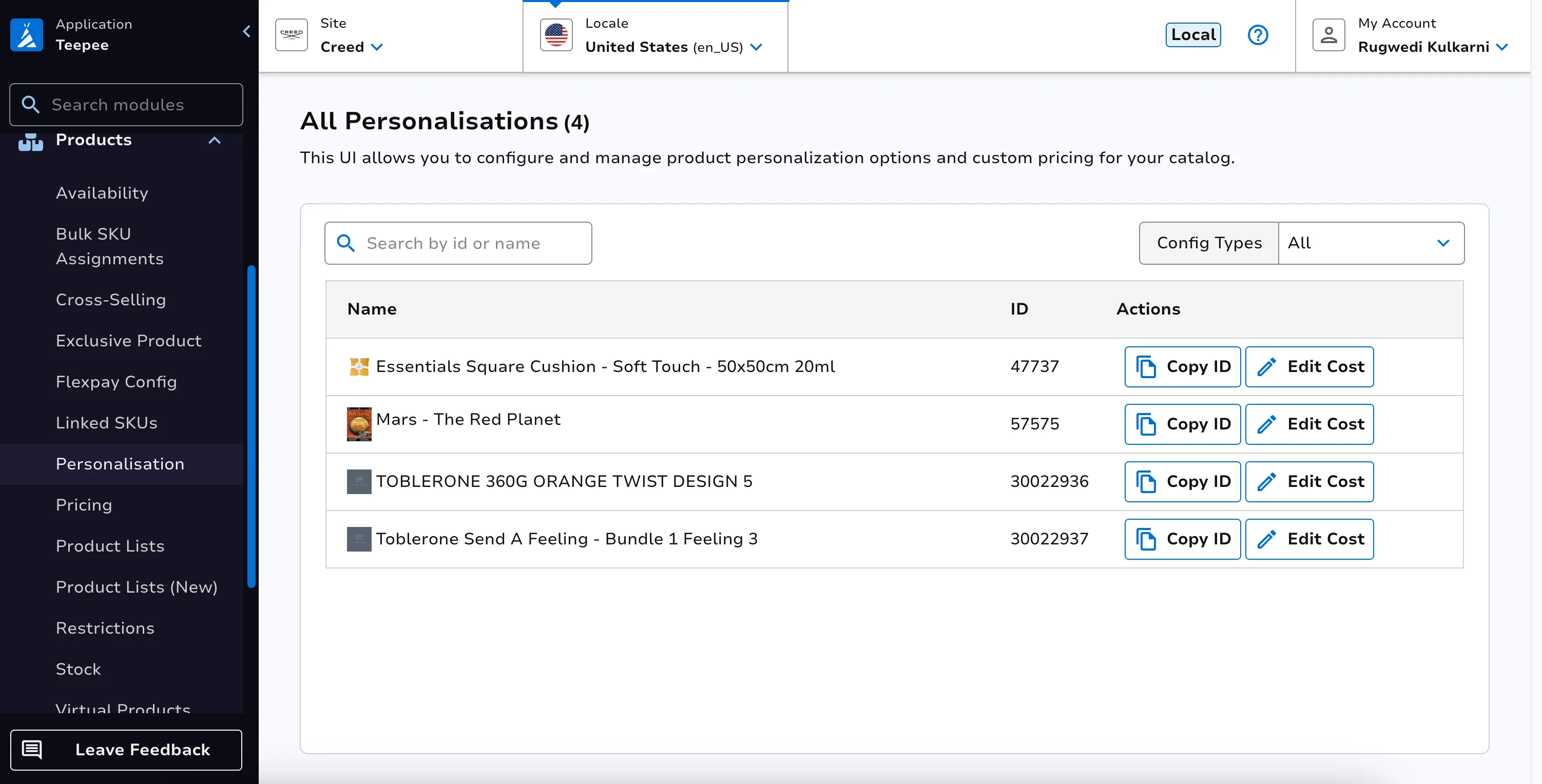
Section titled “Homepage”On the homepage, users can view a list of personalised products along with key details such as:
- Product image
- Product name
- Product ID
- Copy ID button
- Edit Cost button
- Config types filter
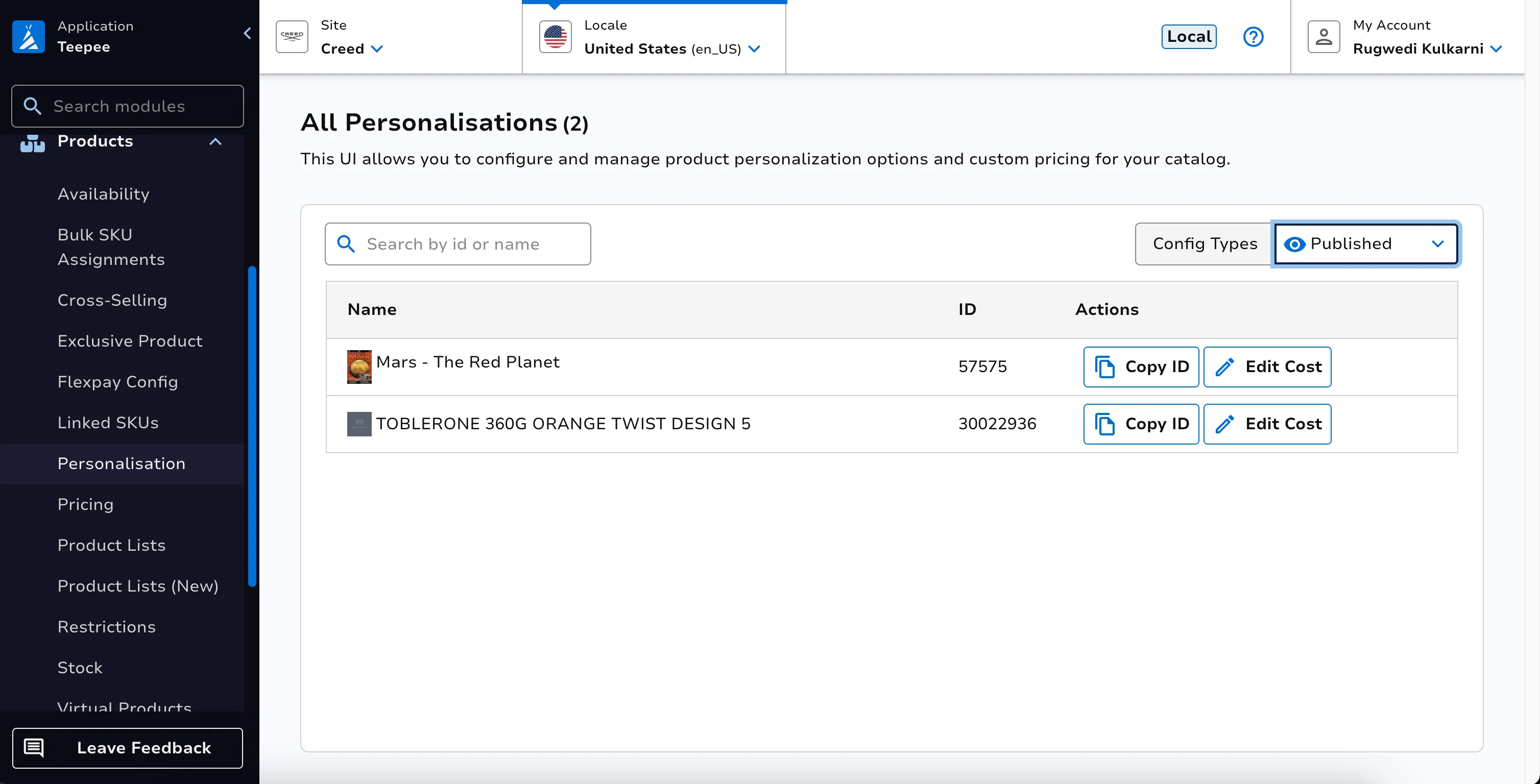
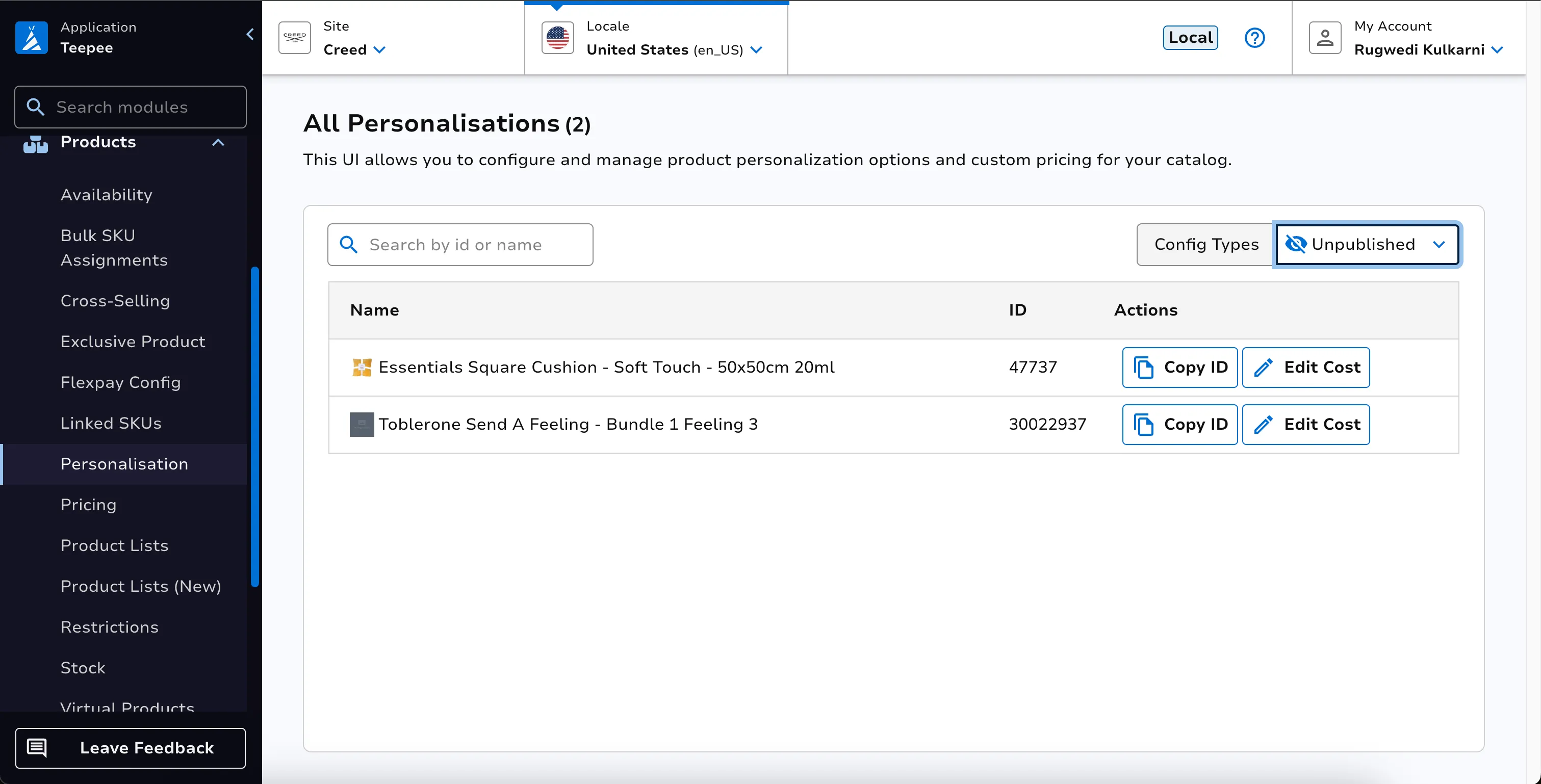
Config type helps to filter out the published and unpublished configurations.
Edit Cost
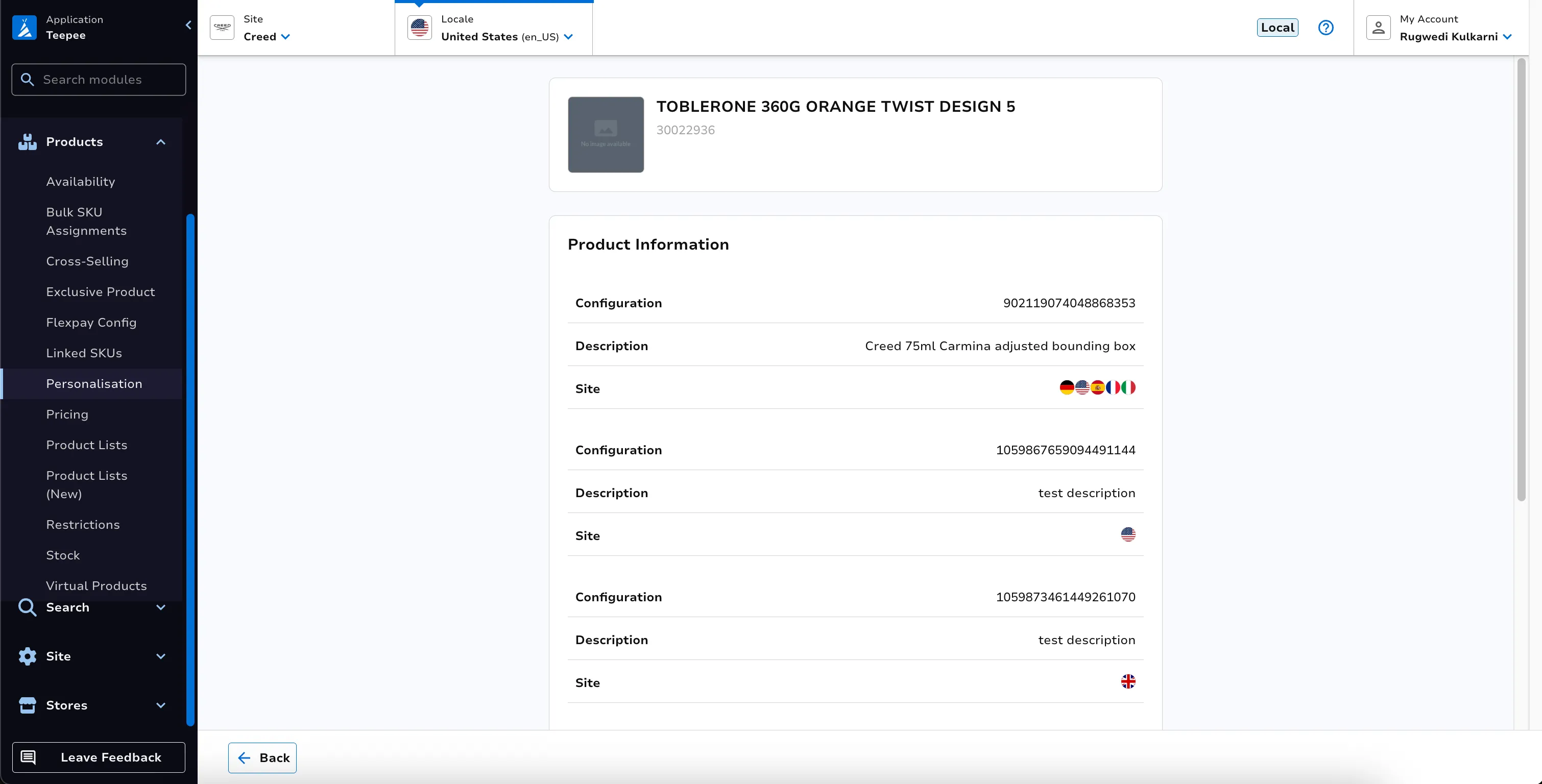
Section titled “Edit Cost”Clicking the Edit Cost button navigates the user to the product’s detail page, where the following information is displayed:-
-
Configuration ID, description, and the associated site for each configuration assigned to the product
-
A Personalisation Cost table, if costs have already been added; otherwise, users have the option to add new personalisation costs
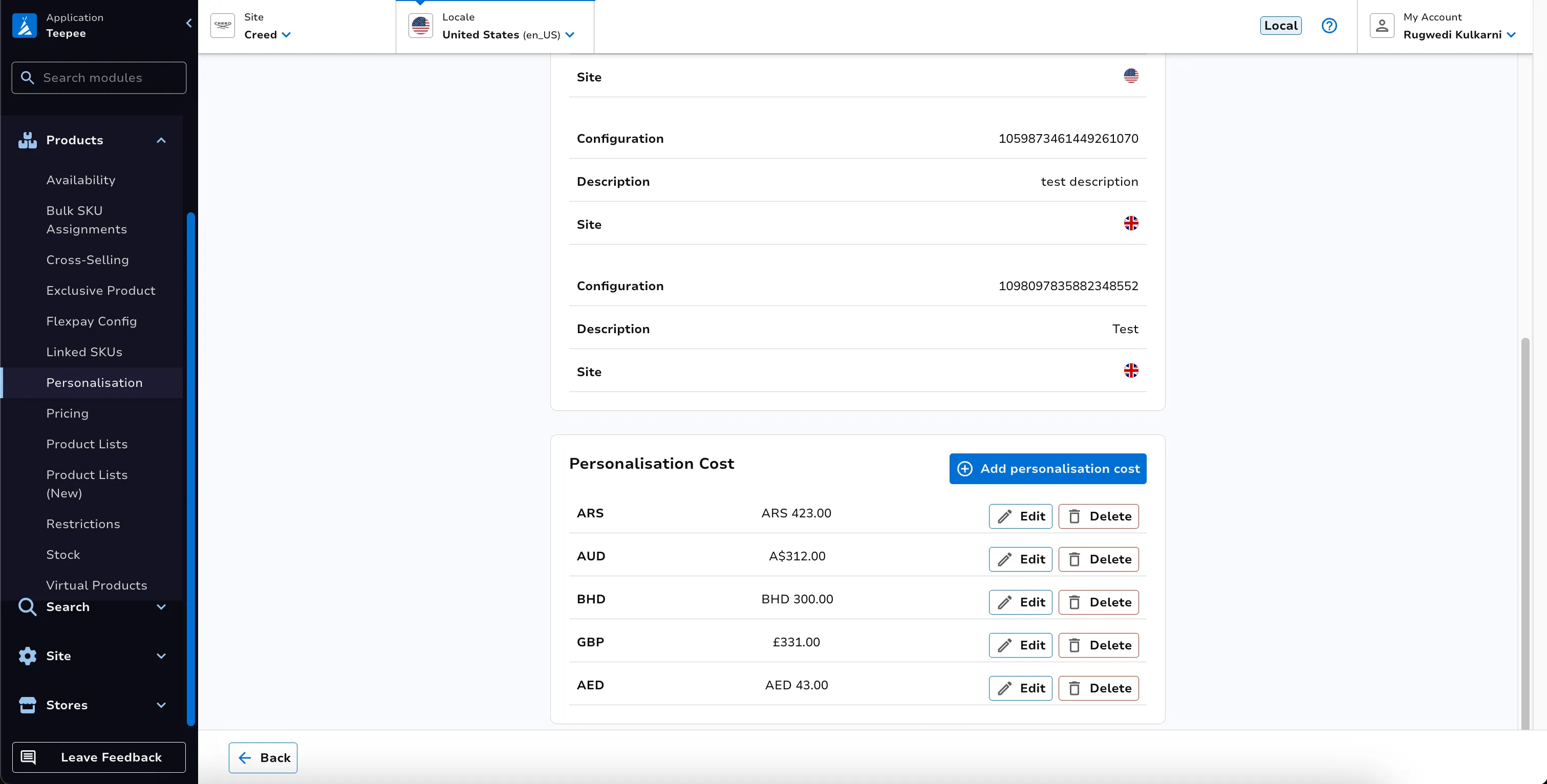
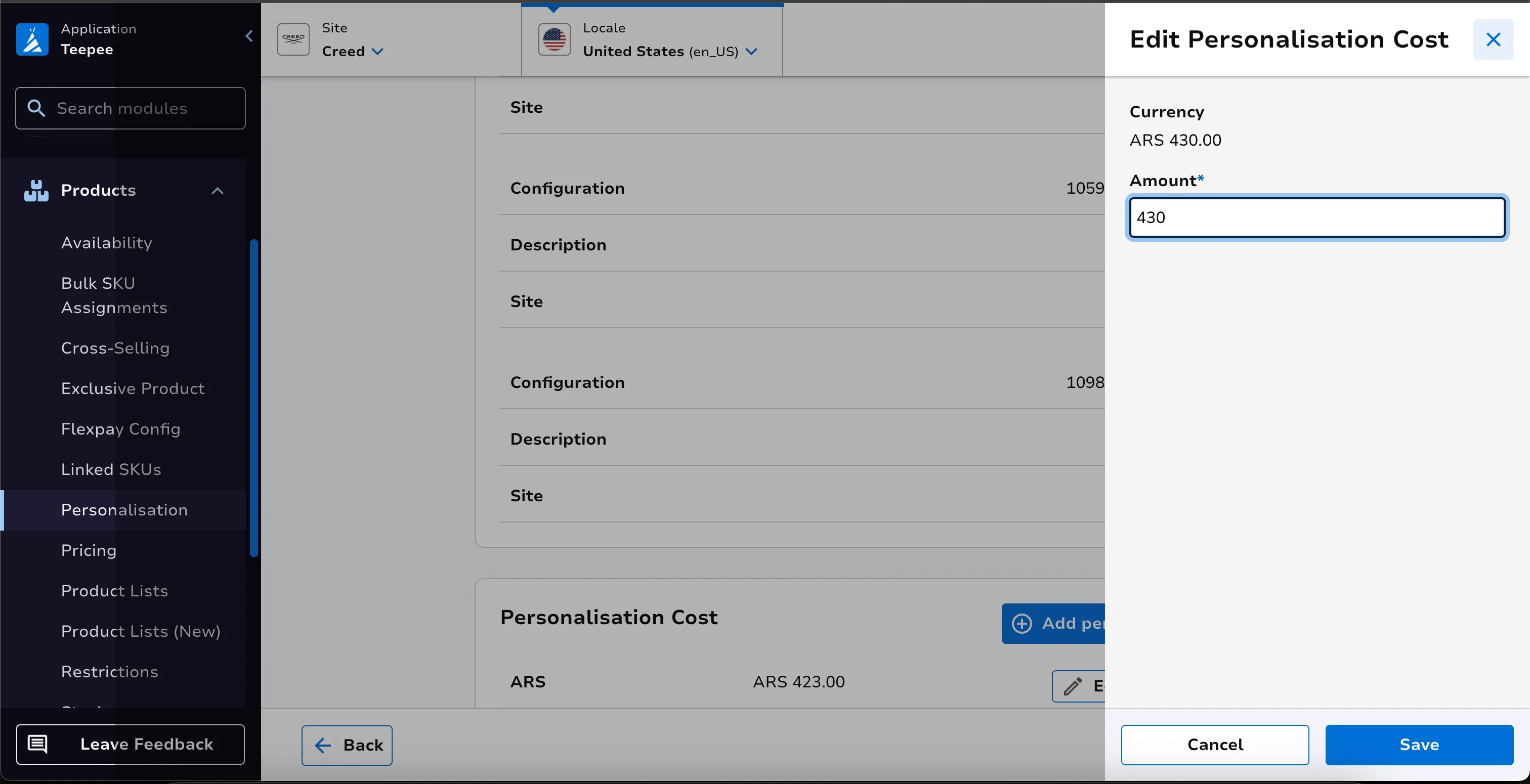
To edit a personalisation cost, click the Edit button for the desired entry. This opens a side panel where the user can enter the updated cost and click Save to apply the changes.
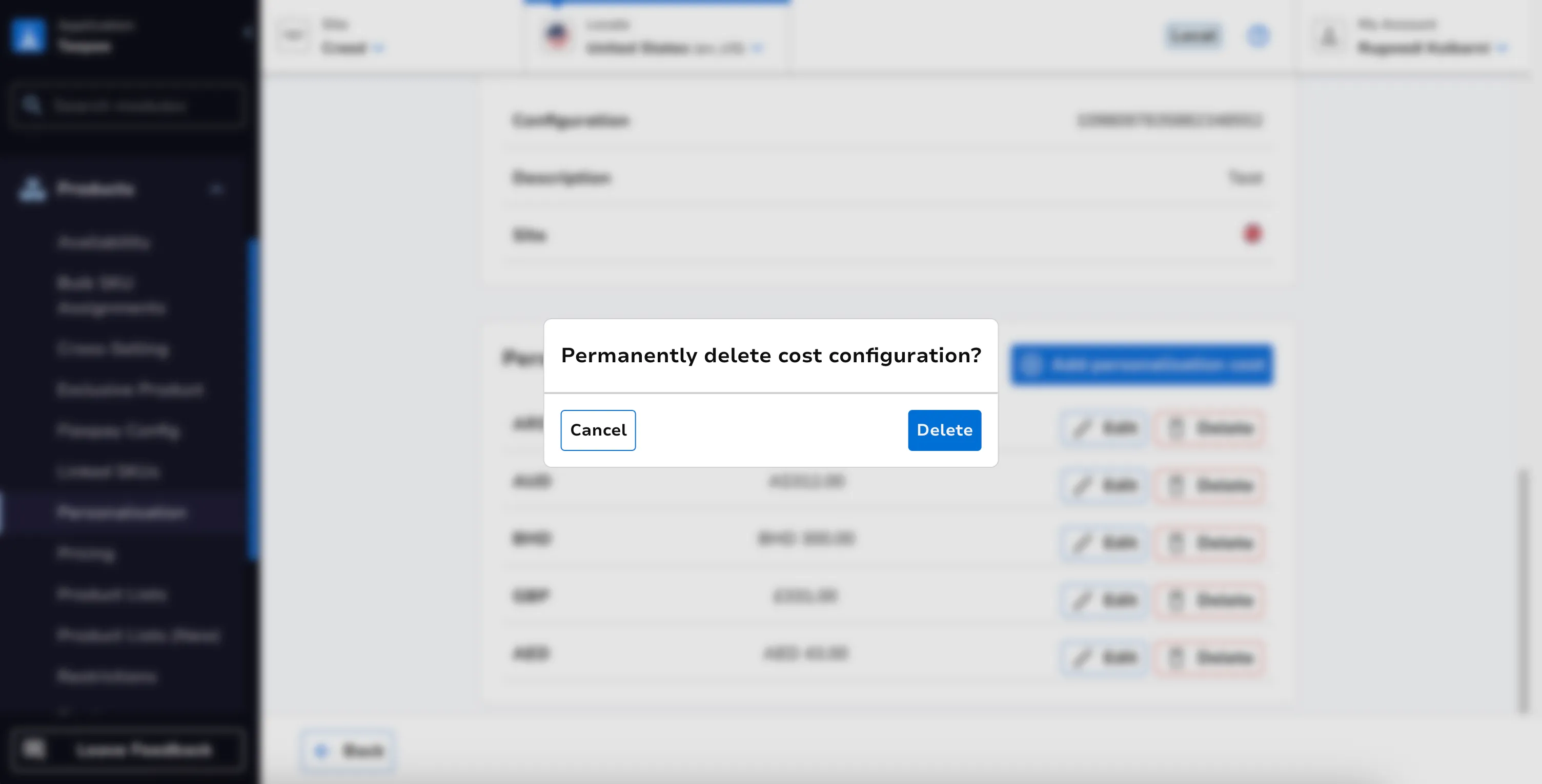
To remove a cost, click the Delete button for the respective entry.
Add personalisation cost
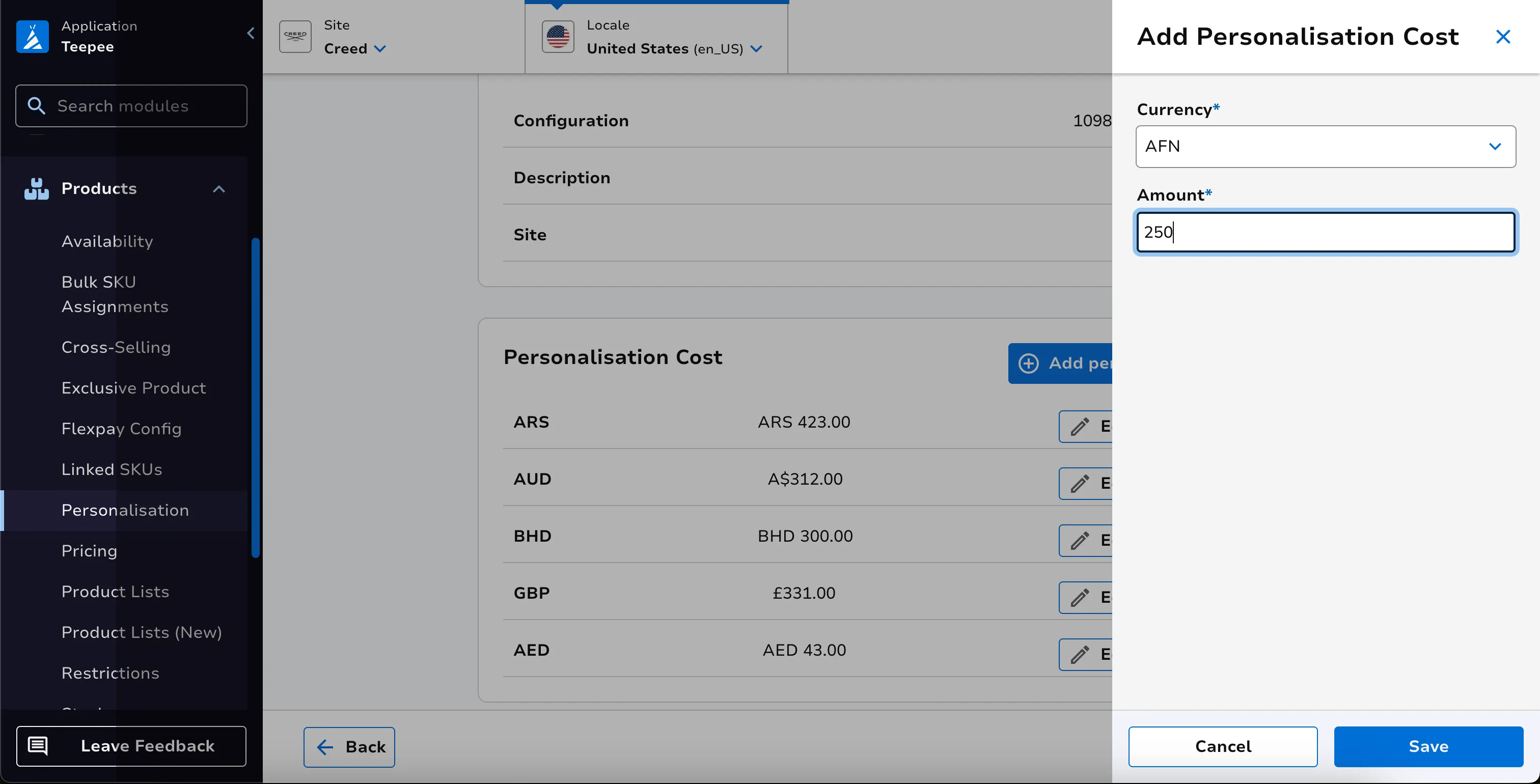
Section titled “Add personalisation cost”Clicking on Add personalisation cost opens side panel where user can select the currency and enter the desired price and then click on the Save button to add the cost.
Glossary
Section titled “Glossary”Channel
Section titled “Channel”The terms Channel and Site are used interchangeably. Examples would be ‘Look Fantastic’ or ‘MyProtein’.